

用你自己的本地模型Your own local models
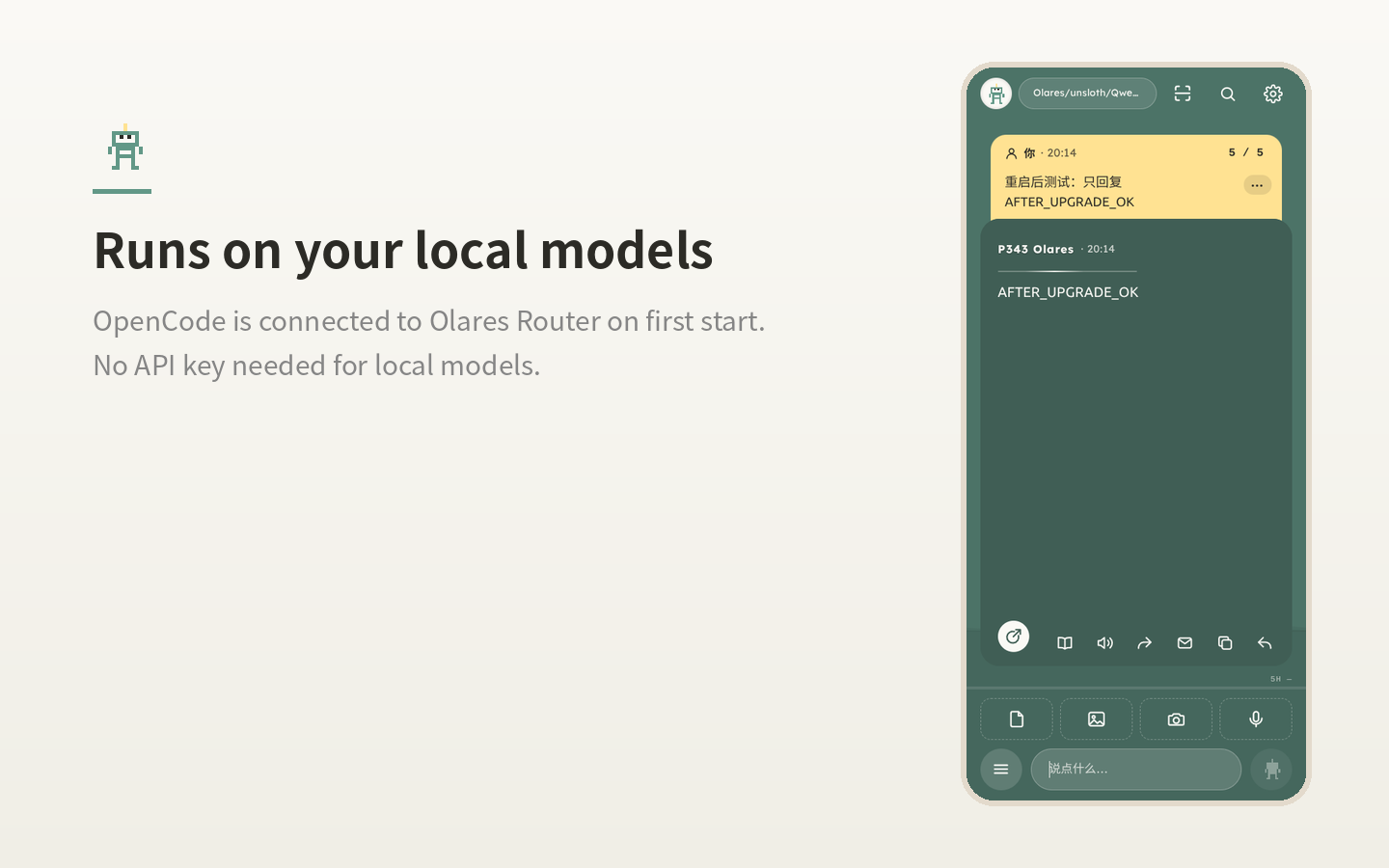
首次启动时自动接上 Olares Router 和上面第一个可用的对话模型,本地模型不需要 API key。On first start the agent connects to Olares Router and its first ready chat model. No API key needed for local models.
在 Olares 应用市场搜索「Agent J」,一键安装。装好后,用手机指挥你 Olares 上的 AI Agent 干活。Search for “Agent J” in the Olares Market and install it in one tap. Then direct the AI agent on your Olares from your phone.
Olares 应用市场搜索 Agent J,点安装即可。In the Olares Market, search Agent J and tap Install.
还没有 Olares?可以在 Olares 官方商店购买。Don't have an Olares yet? You can buy one from the official Olares shop.
首次启动时自动接上 Olares Router 和上面第一个可用的对话模型,本地模型不需要 API key。On first start the agent connects to Olares Router and its first ready chat model. No API key needed for local models.
Agent 在你 Olares 上的沙箱里干活,有风险的操作要等你在手机上批准。The agent works inside a sandbox on your Olares. Anything risky waits until you approve it on your phone.
所有组件都预装在只读的应用里,Agent J 的新版本通过应用市场升级送到。Everything comes preinstalled in a read-only app. New versions of Agent J arrive as Market updates.
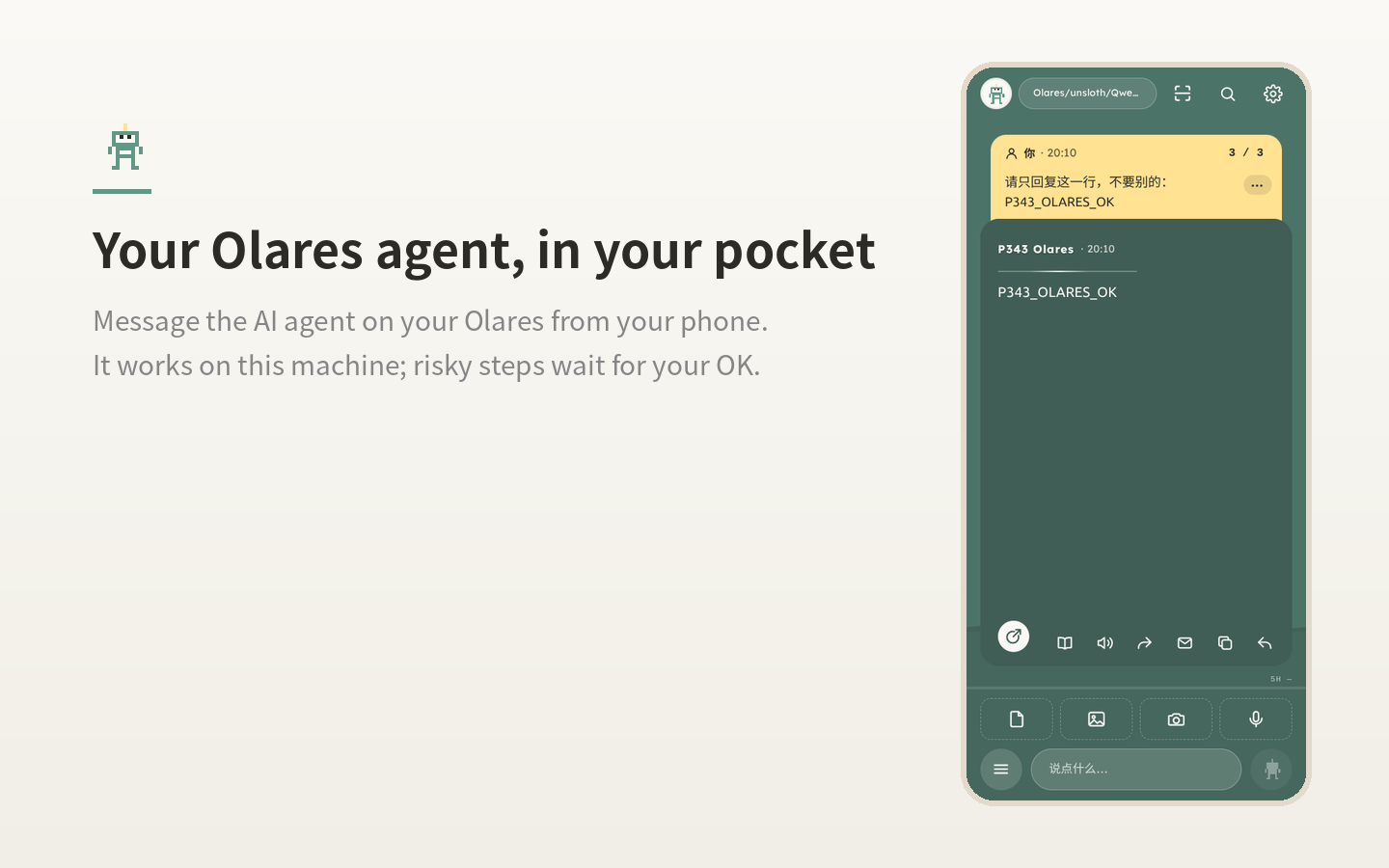
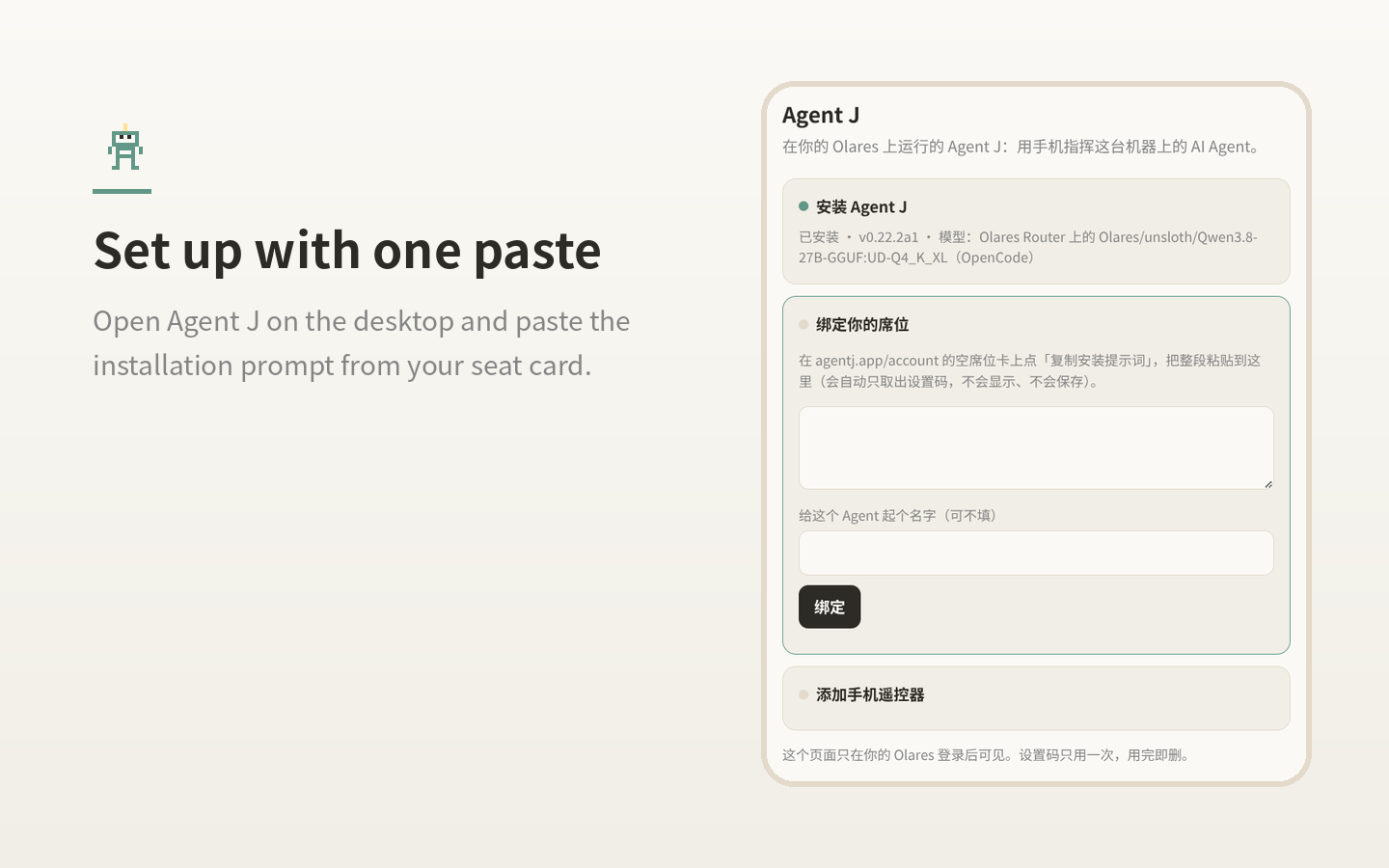
使用 Agent J 需要一个席位,见价格;设置方法见安装说明。Agent J needs a seat. See pricing; setting it up is covered in the install guide.