一句话,把聊天变成可分享的网页Turn a chat into a page you can share, in one sentence
聊完一件事,跟 Agent 说「把刚才的结论做成网页报告」。它挑一个合适的模板,把内容整理好,发布到你自己的域名,给你一个能直接转发的链接。When a conversation lands somewhere, tell your Agent “make the conclusions into a web report.” It picks a fitting template, writes the content up, publishes it on your own domain and hands you a link ready to forward.
怎么用How it works
不用自己写网页,也不用记命令。在手机上点回复卡左下角的白色圆形按钮「分享成网页报告」,或者直接跟 Agent 说,比如:No HTML to write, no commands to remember. On the phone, tap the round white button at the bottom left of a reply, "Share as a web report" — or just ask, for example:
「把今天会上定下来的事做成网页报告,发给团队。」“Turn what we decided in today's meeting into a web report for the team.”
「用 R08 把这个月的数据做成报表,只给公司同事看。」“Use R08 to make this month's numbers into a report, company colleagues only.”
没说清的,Agent 会一次问完:分享哪部分、谁能看、多久有效、要不要隐去名字和数字。你一句话说清了,它就不问,直接做:Whatever you left open, your Agent asks in one go — which part to share, who may open it, for how long, whether to hide names and numbers. Say it all in one line and it skips the questions:
选模板Pick a template你点了编号就用那个;没点,Agent 按内容推荐一个最合适的,再给一两个备选。Name a number and it uses that one. Otherwise it suggests the best fit for your content, plus one or two alternatives.
定有效期和访问方式Set expiry and access默认 7 天、访问码。内容涉及客户、财务或内部决策时,Agent 会提醒你别选全公开。Defaults are 7 days with an access code. If the content touches clients, finances or internal decisions, your Agent warns you before you make it public.
发布Publish几秒后拿到链接。链接、访问码、统计页和管理授权码会发到你自己的邮箱留底。A few seconds later you have the link. The link, access code, dashboard and admin code also land in your own inbox for safekeeping.
每个模板都有编号Every template has a number
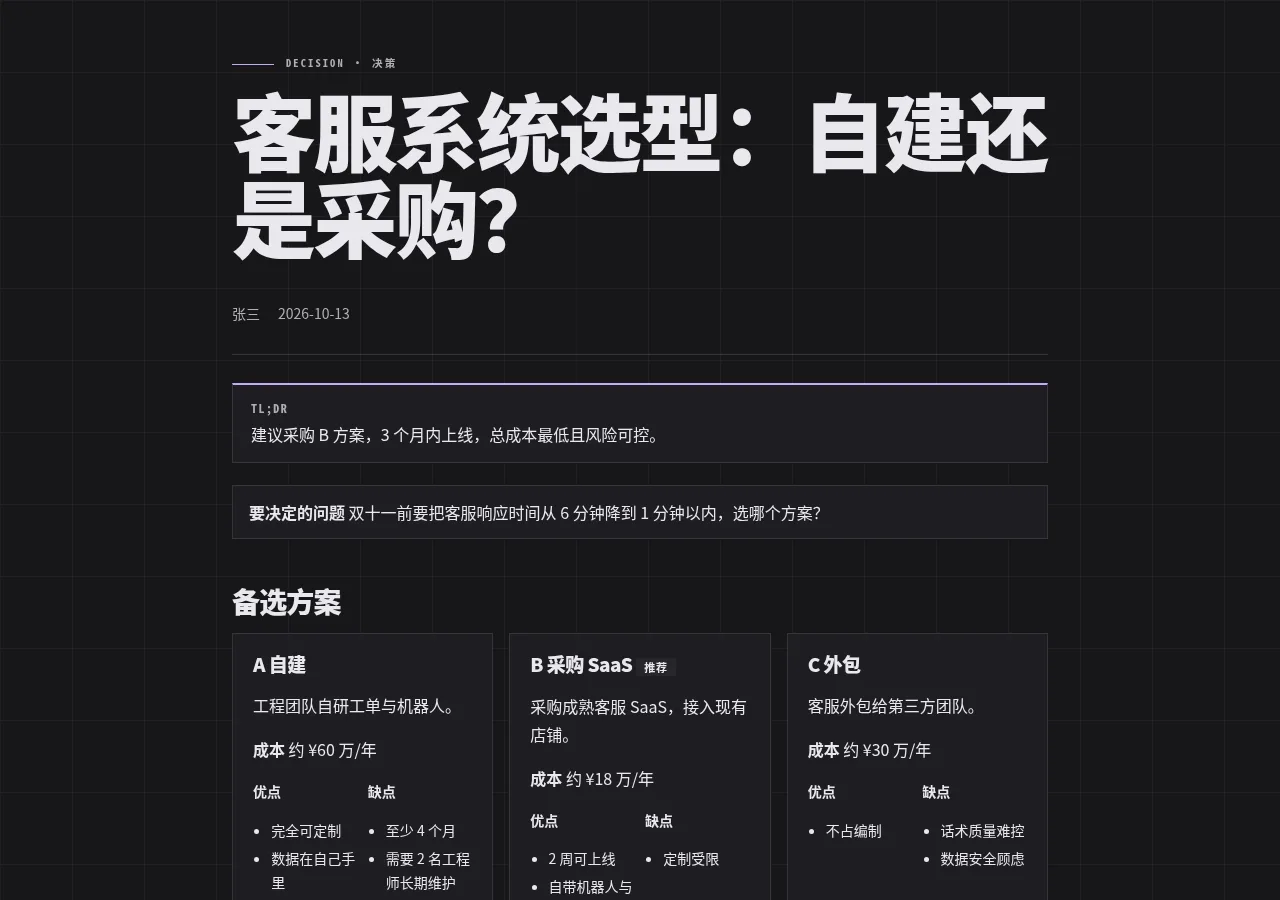
模板编号从 R01 到 R15,下面每张卡片左上角就是;不指定时默认用 R15 Agent J Noir。看中哪个,直接告诉 Agent 编号:Templates run from R01 to R15; the number sits in the corner of each card below. If you don't pick one, it's R15 Agent J Noir. Found one you like? Just say it:
「用 R03 商业计划那个模板。」“Use R03, the pitch deck one.”
不说也没关系。Agent 会看你要做的内容,顺口问一句想要哪种风格,或者直接推荐最合适的那个。主题和版式是分开的,任何模板都能换任何主题。You don't have to. Your Agent looks at what you're publishing, may ask which look you prefer, or simply picks the best match. Layout and theme are separate, so any template can wear any theme.
15 个模板15 templates
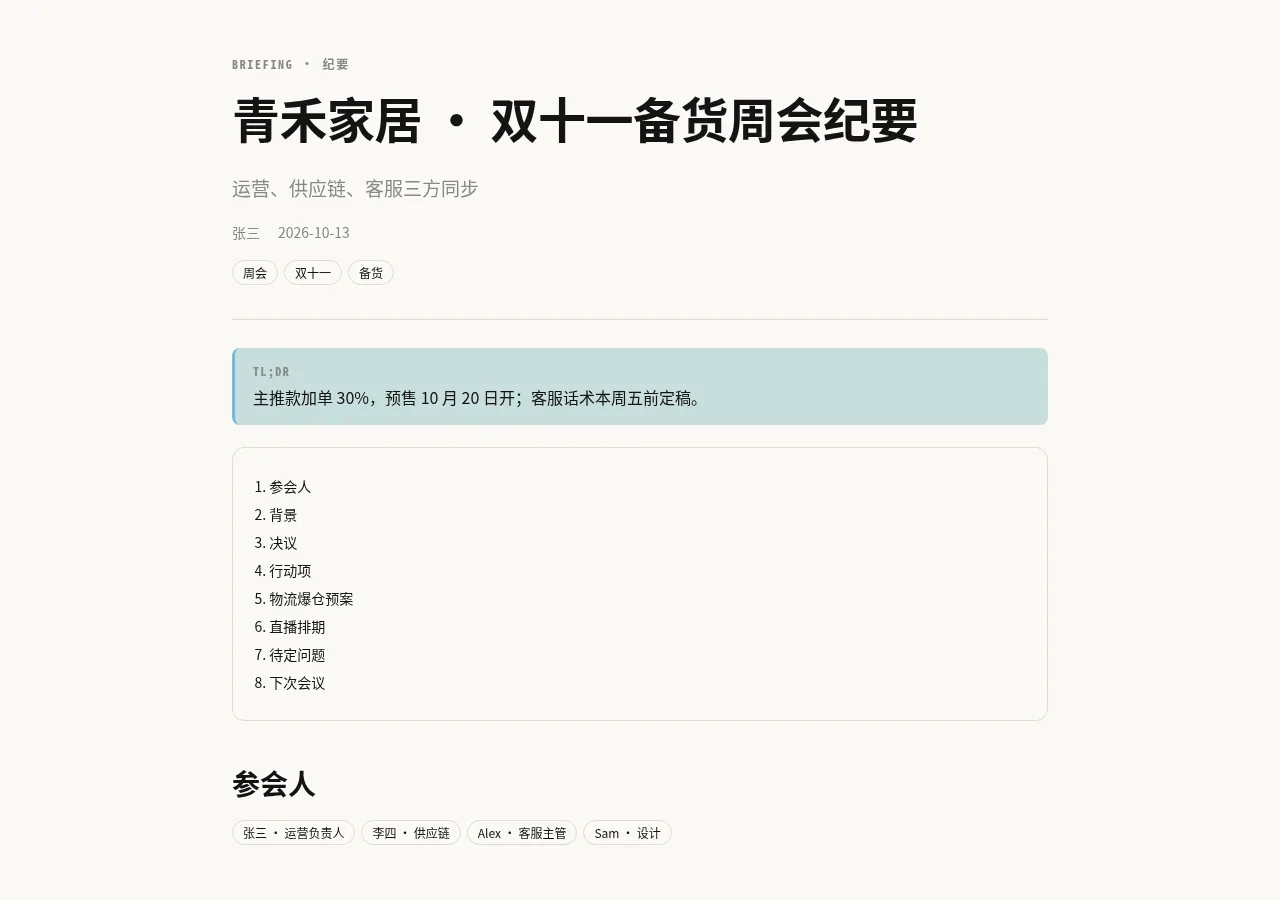
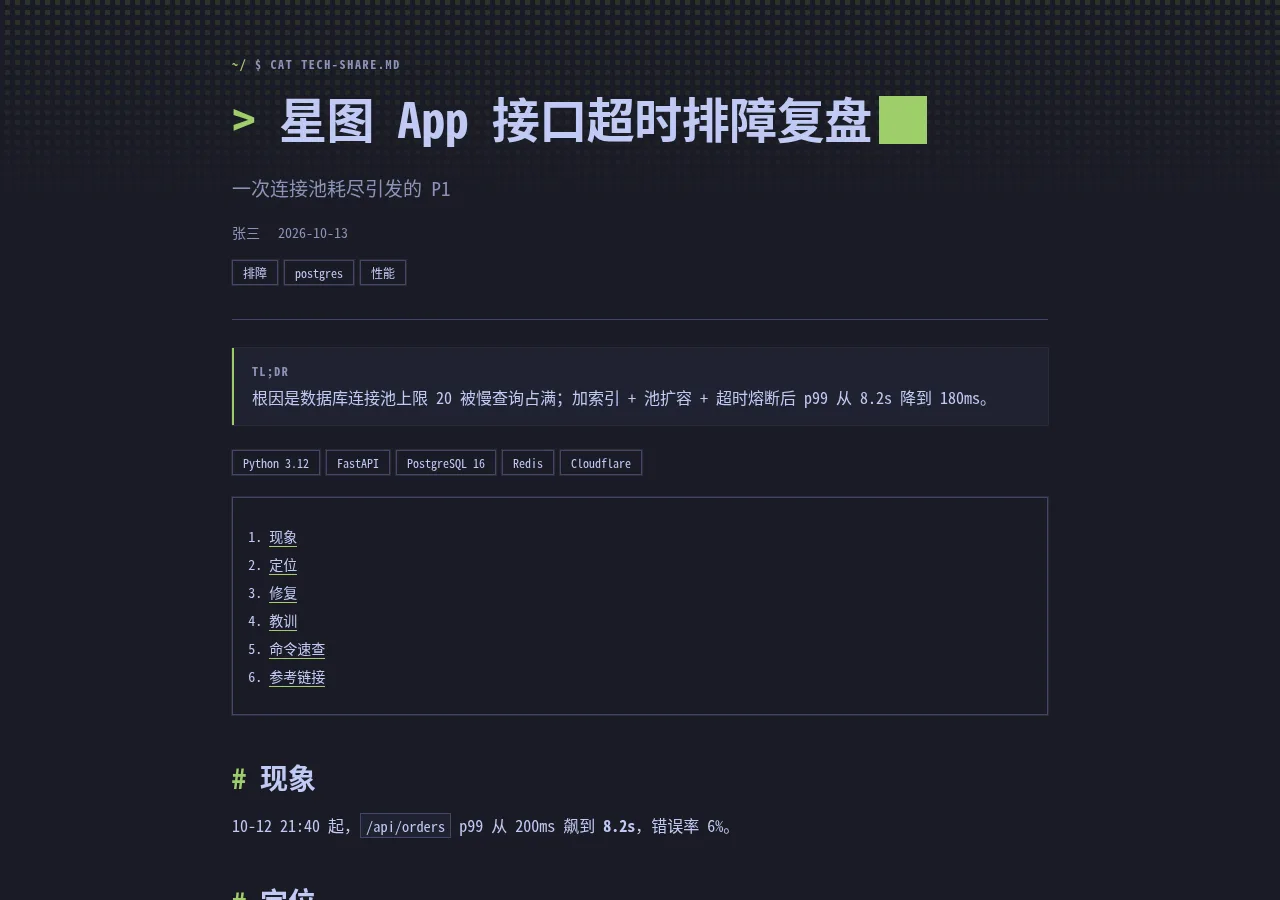
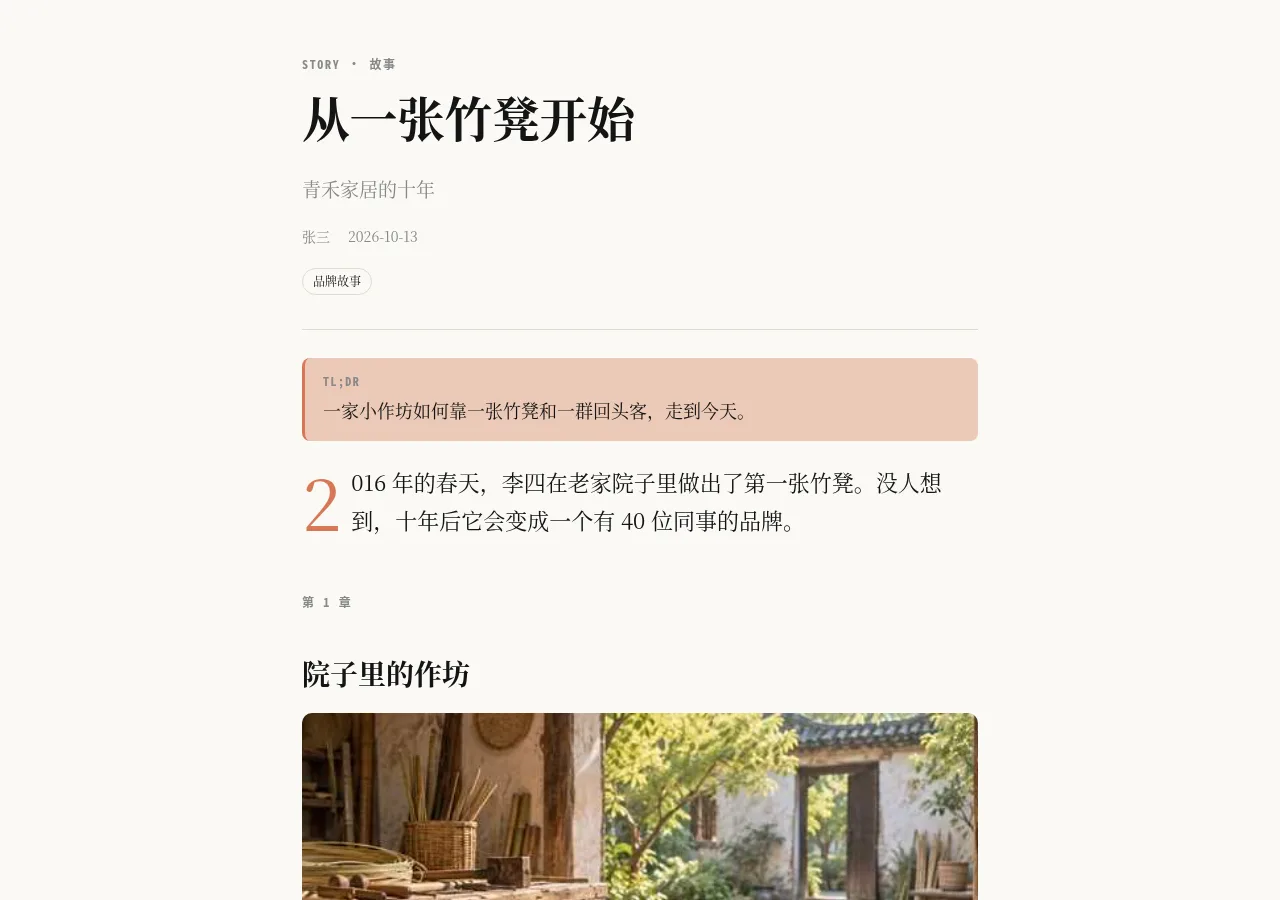
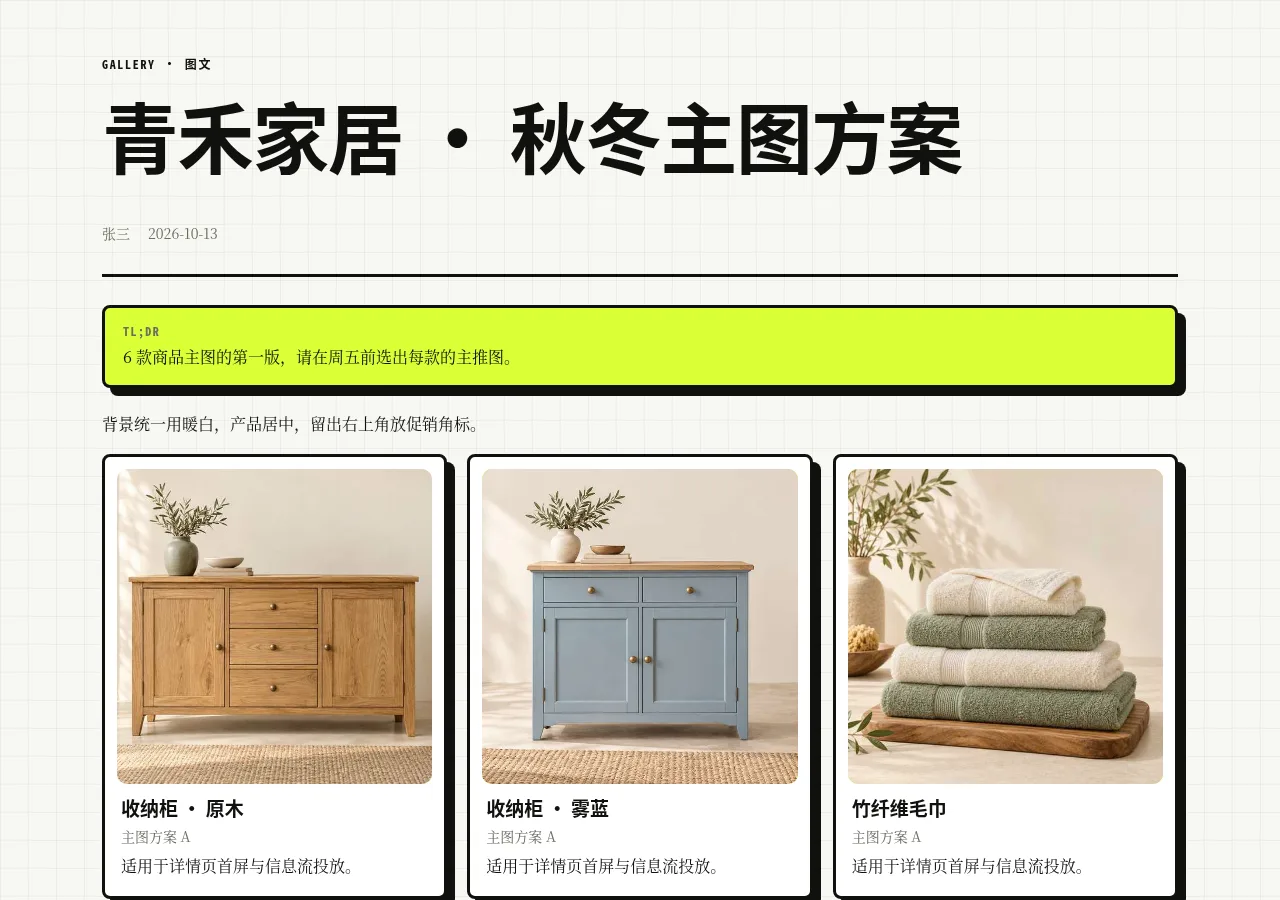
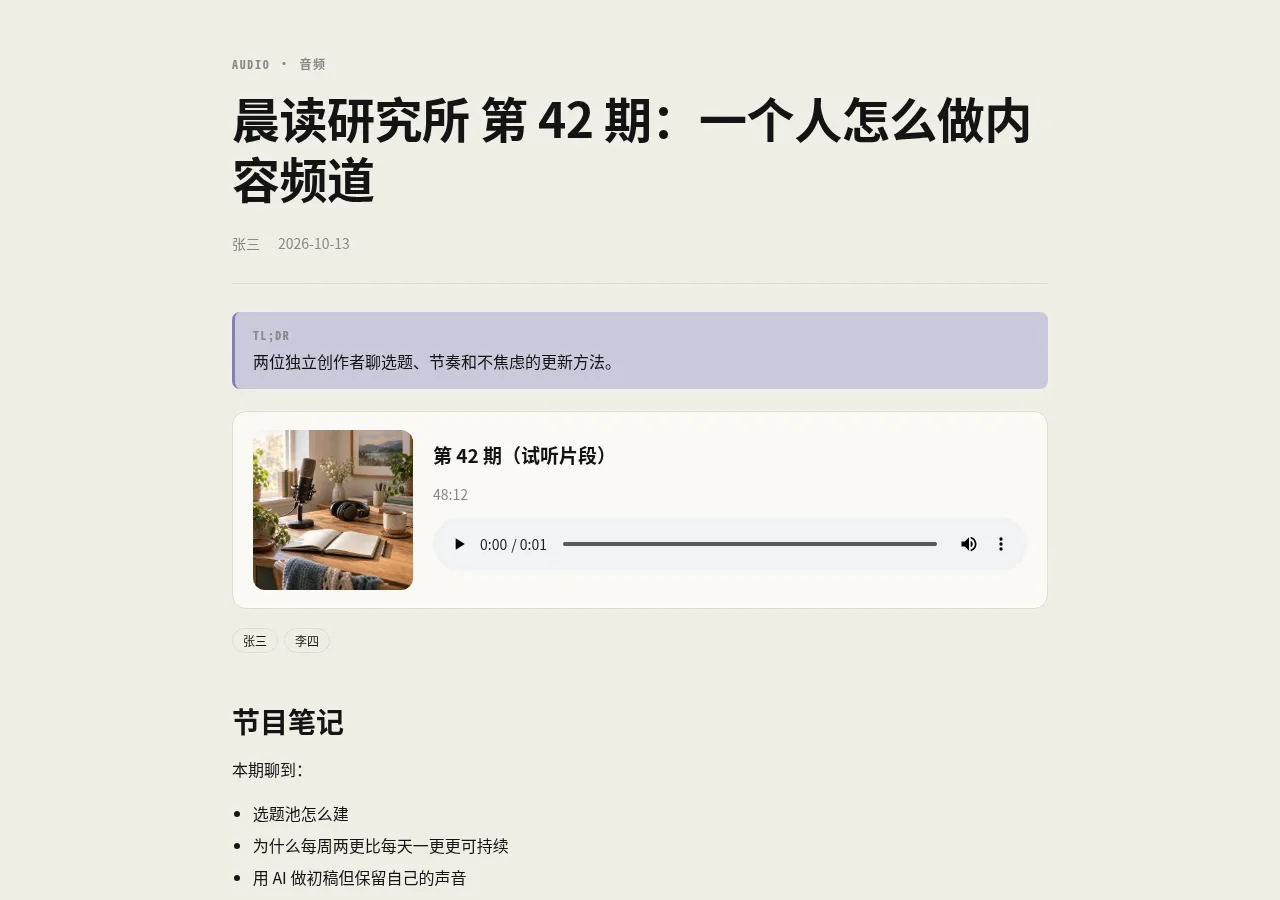
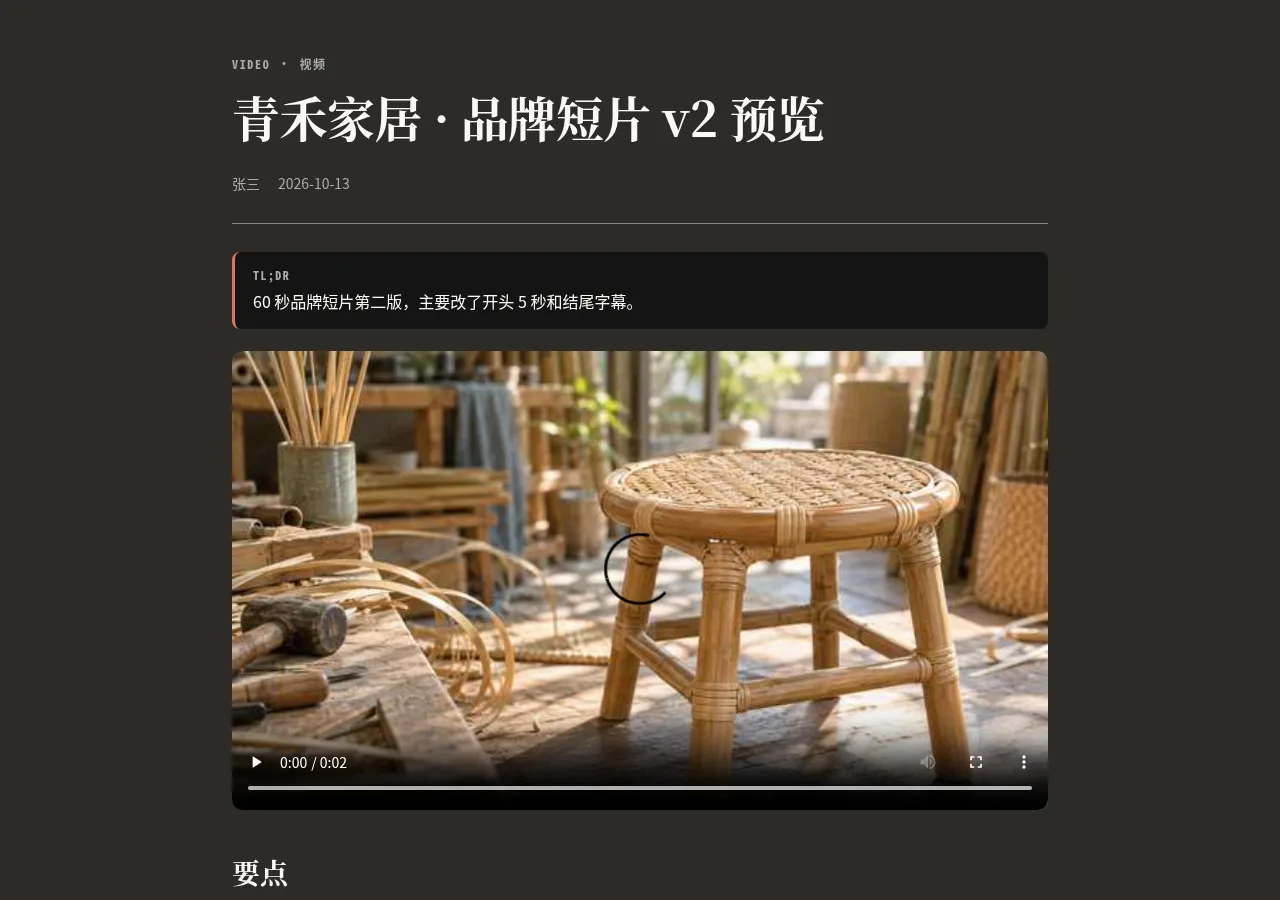
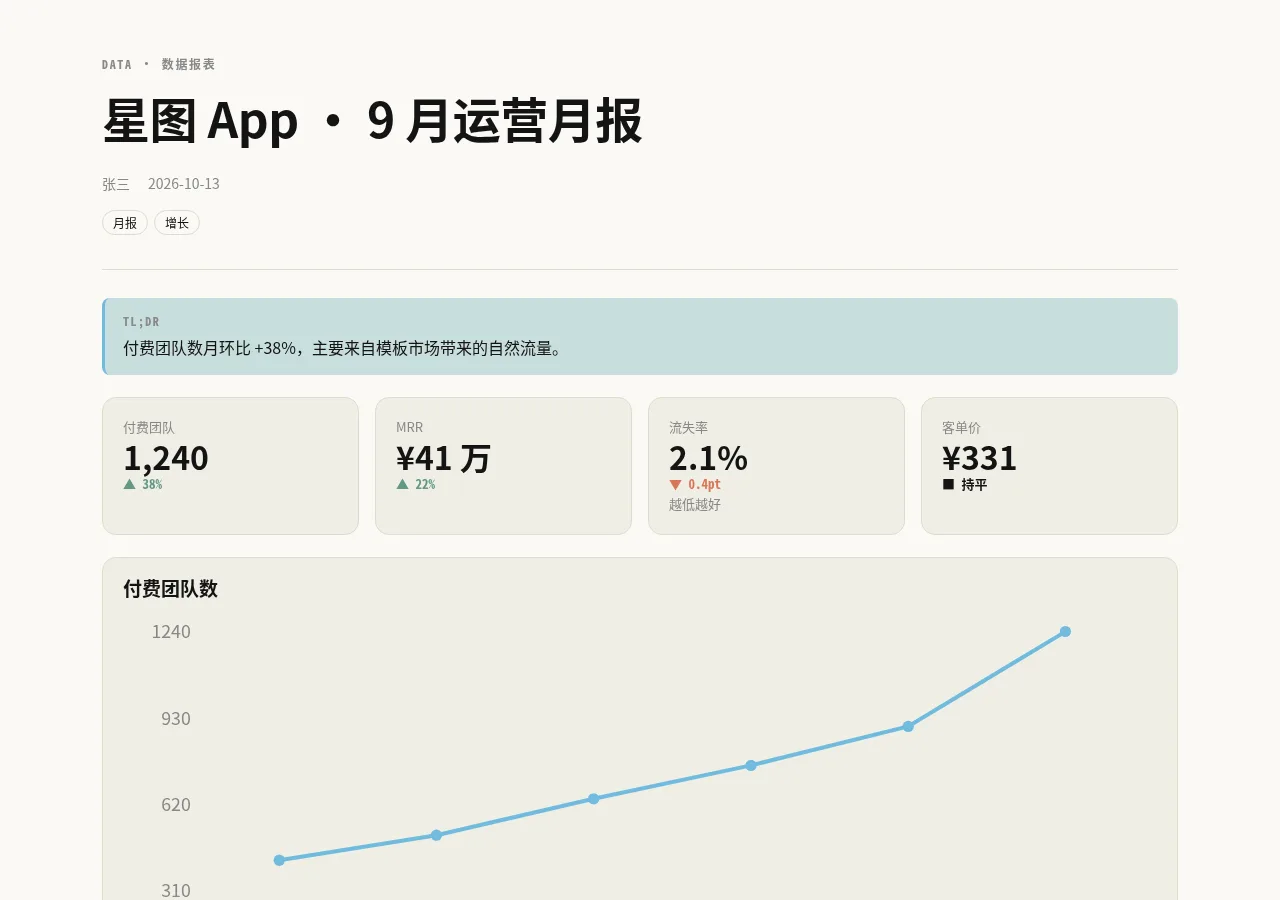
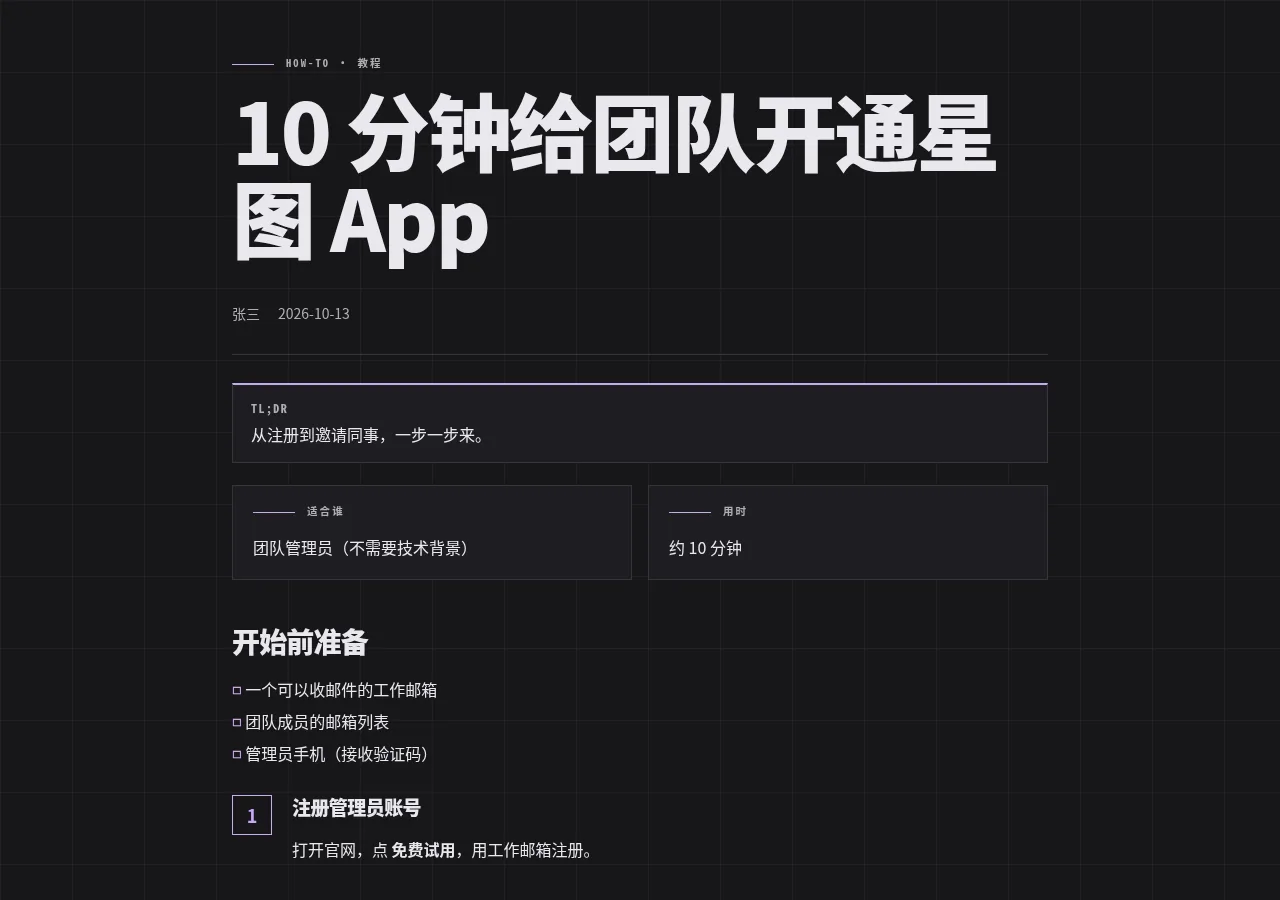
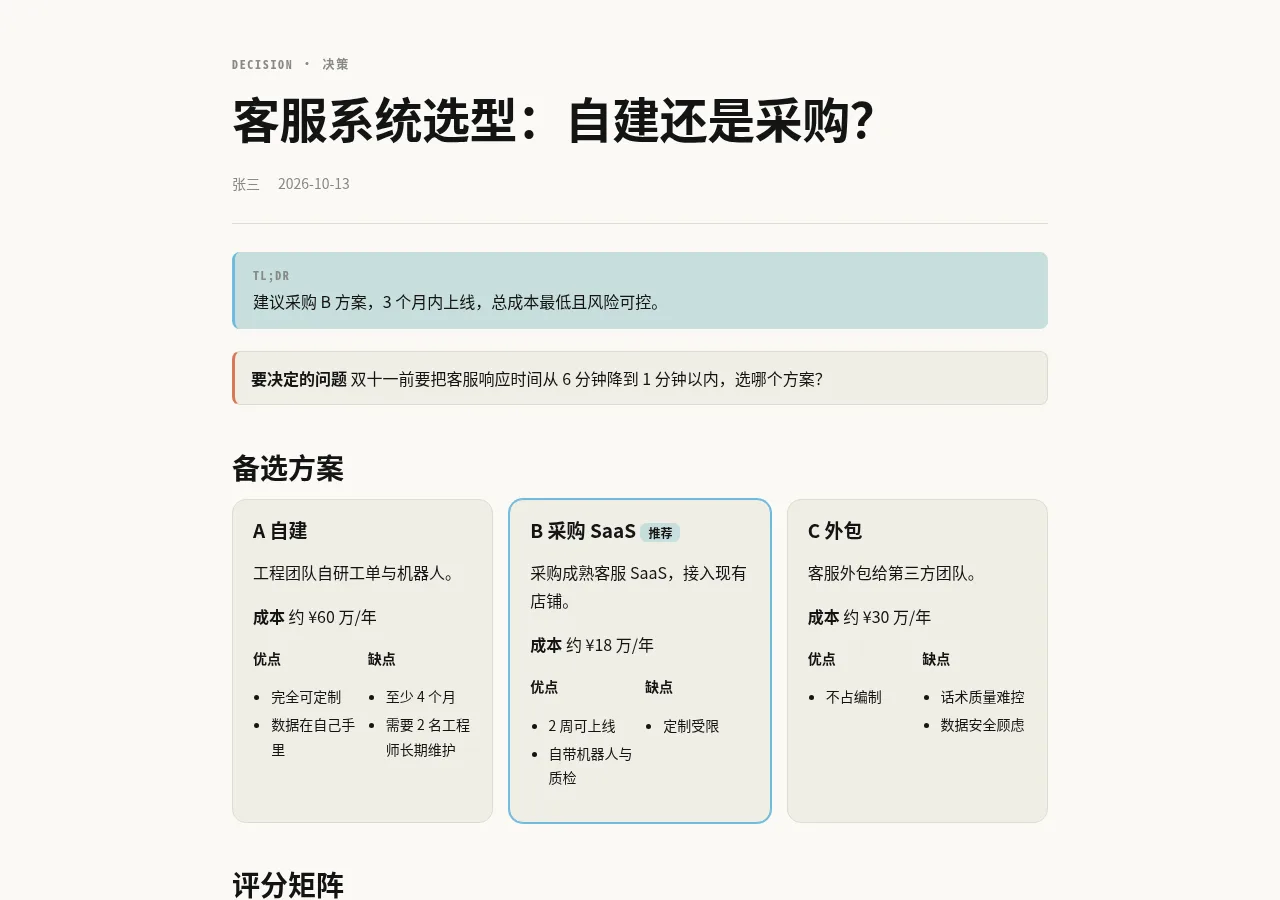
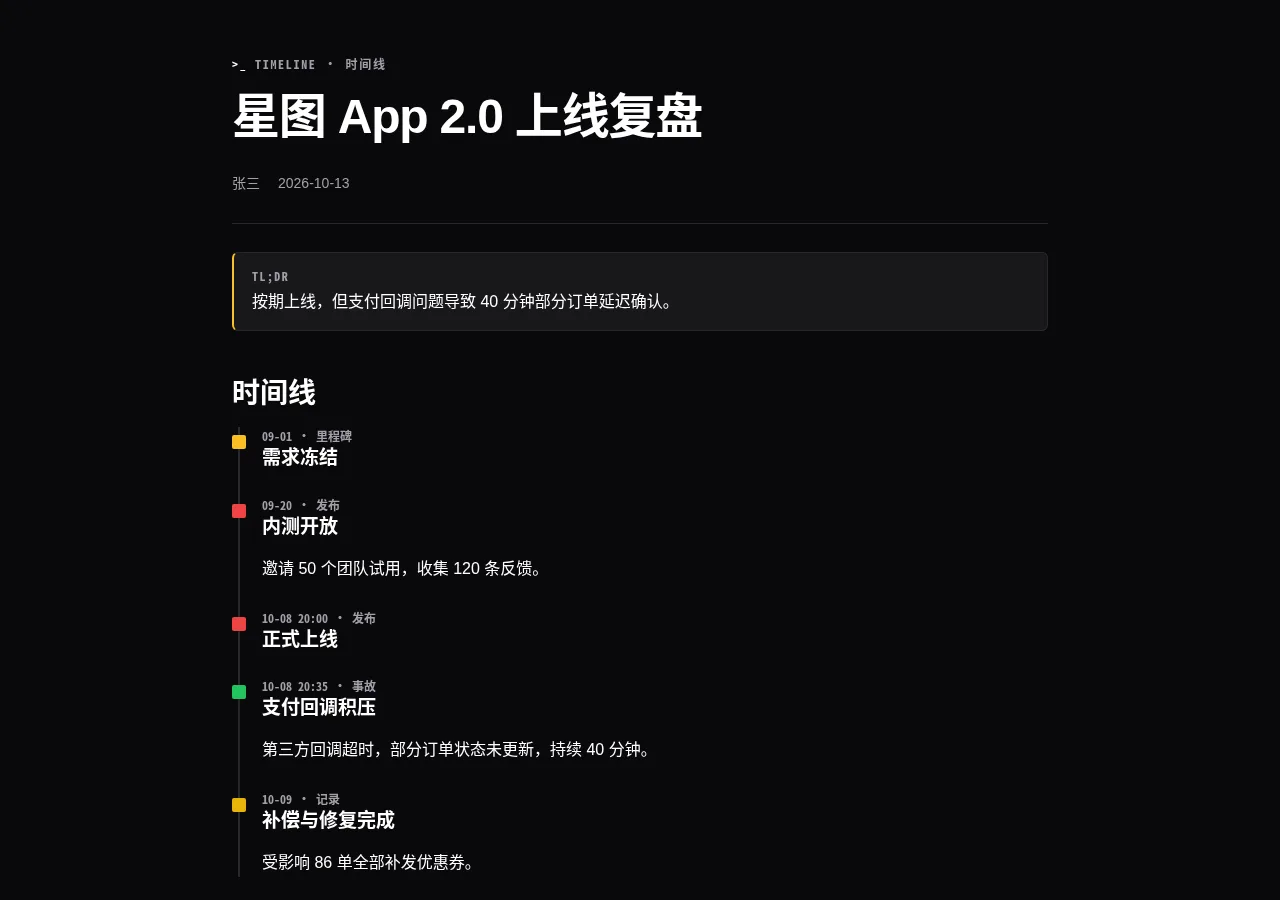
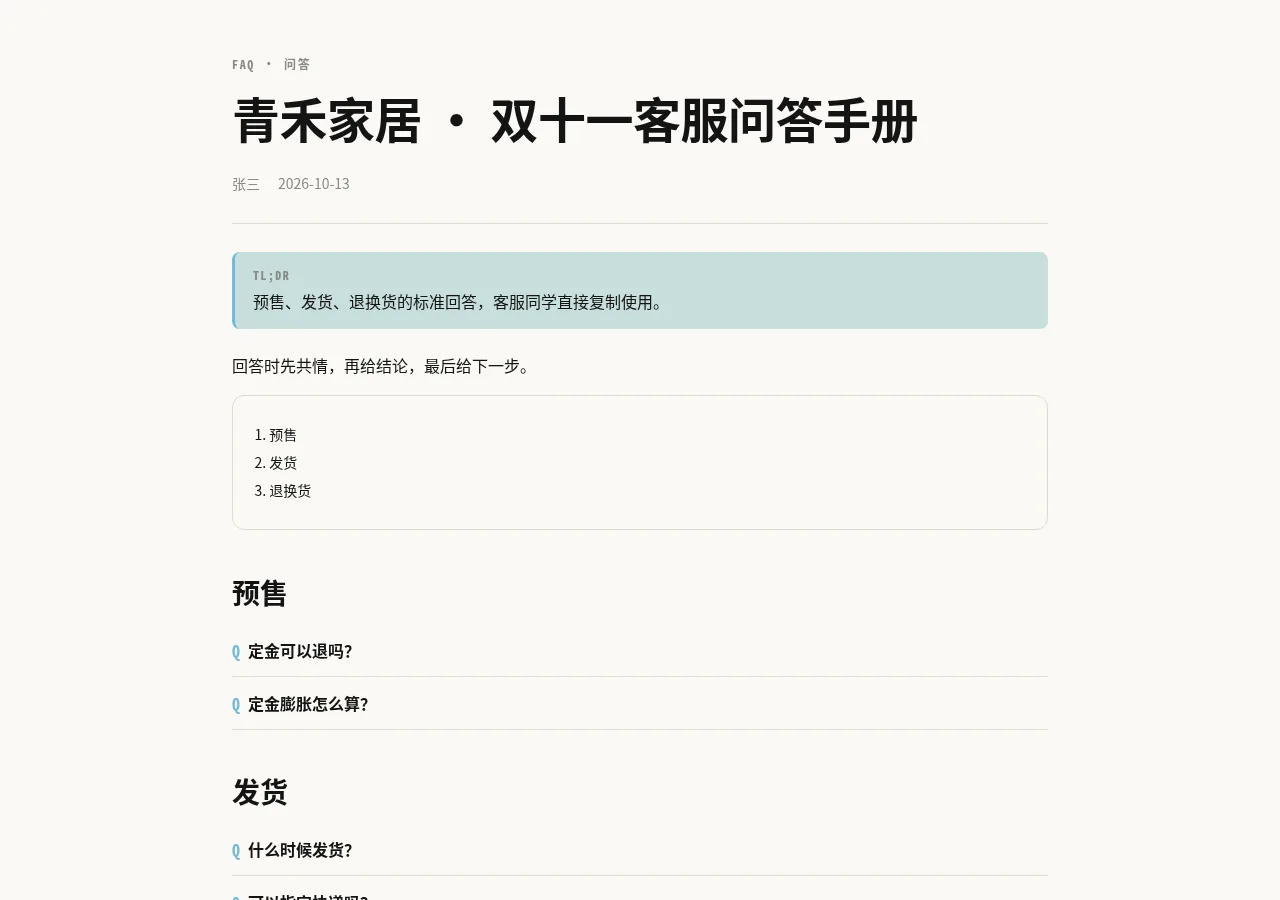
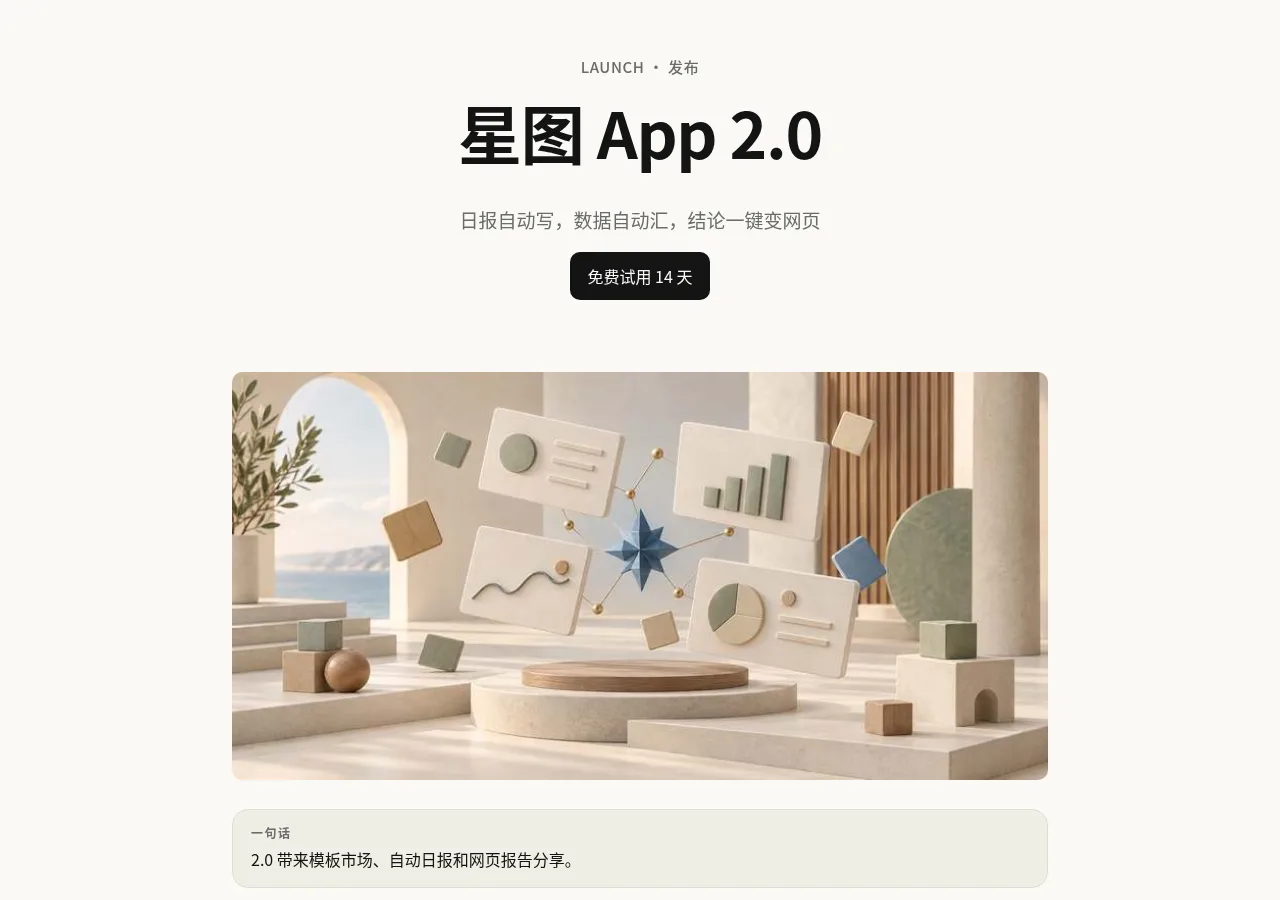
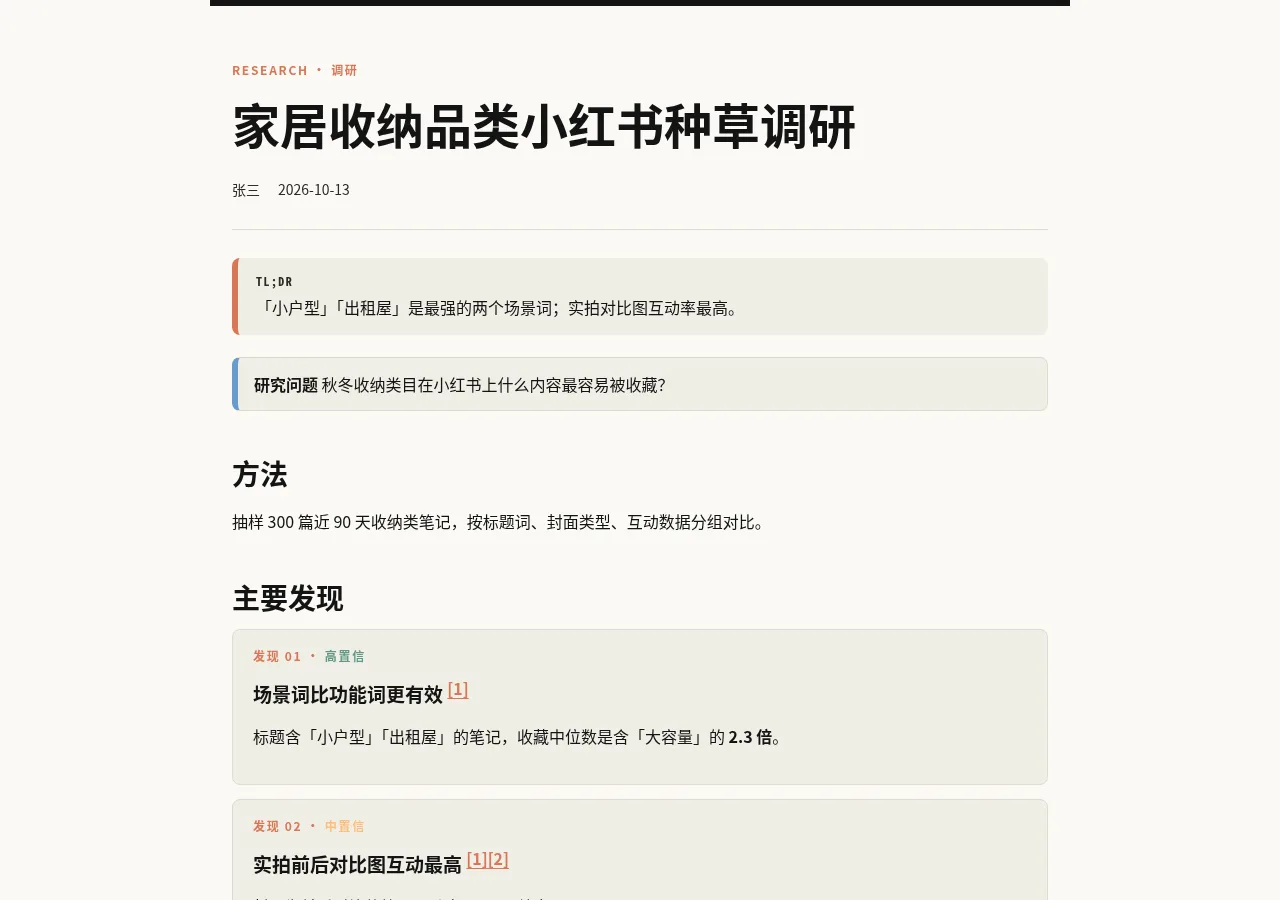
每个模板适合一类内容。点预览图打开示例页,示例里的数据都是虚构的。R15 是默认模板;R15、R02、R14 还能发成邮件。Each template suits one kind of content. Click a preview to open the sample page; all sample data is made up. R15 is the default; R15, R02 and R14 can also go out as an e-mail.
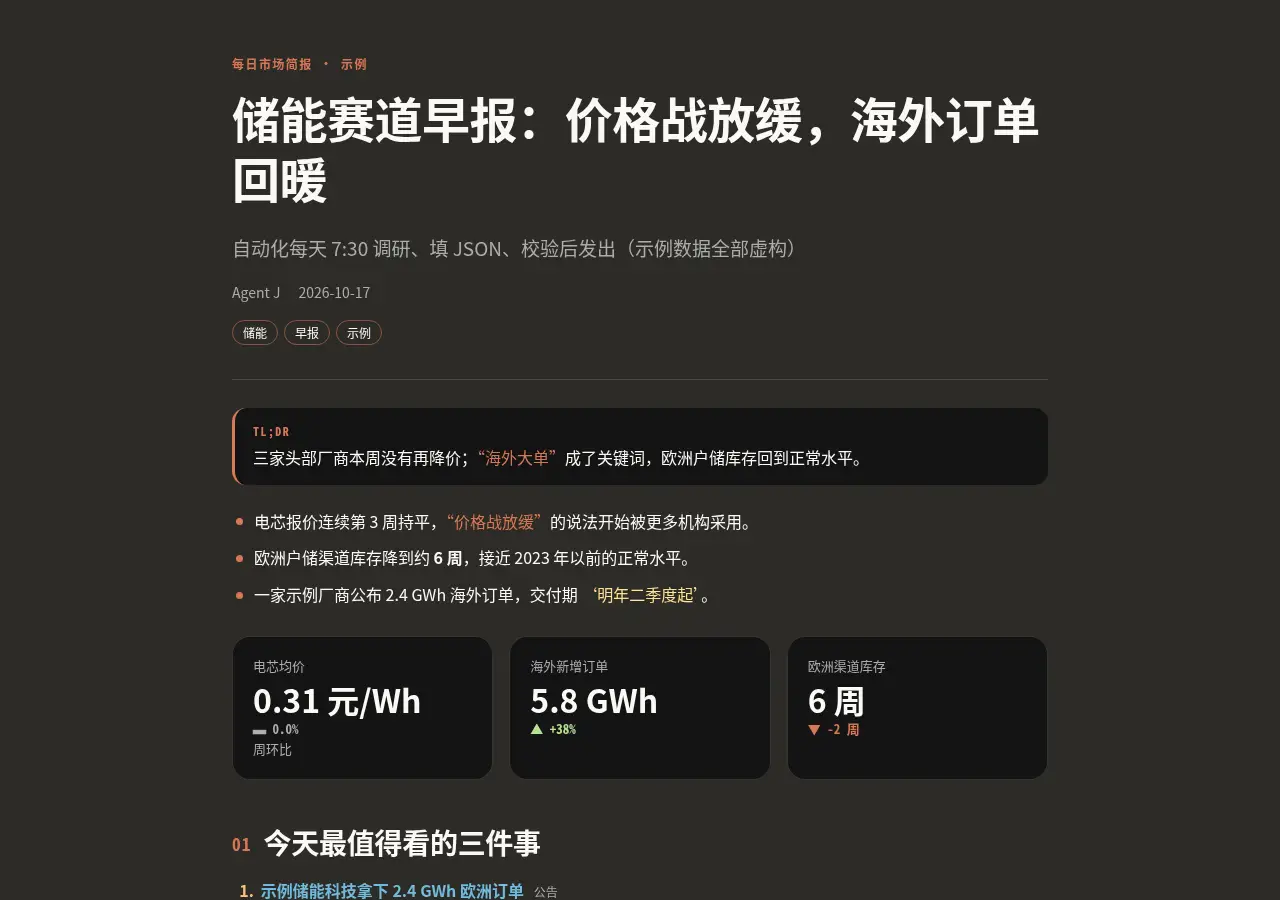
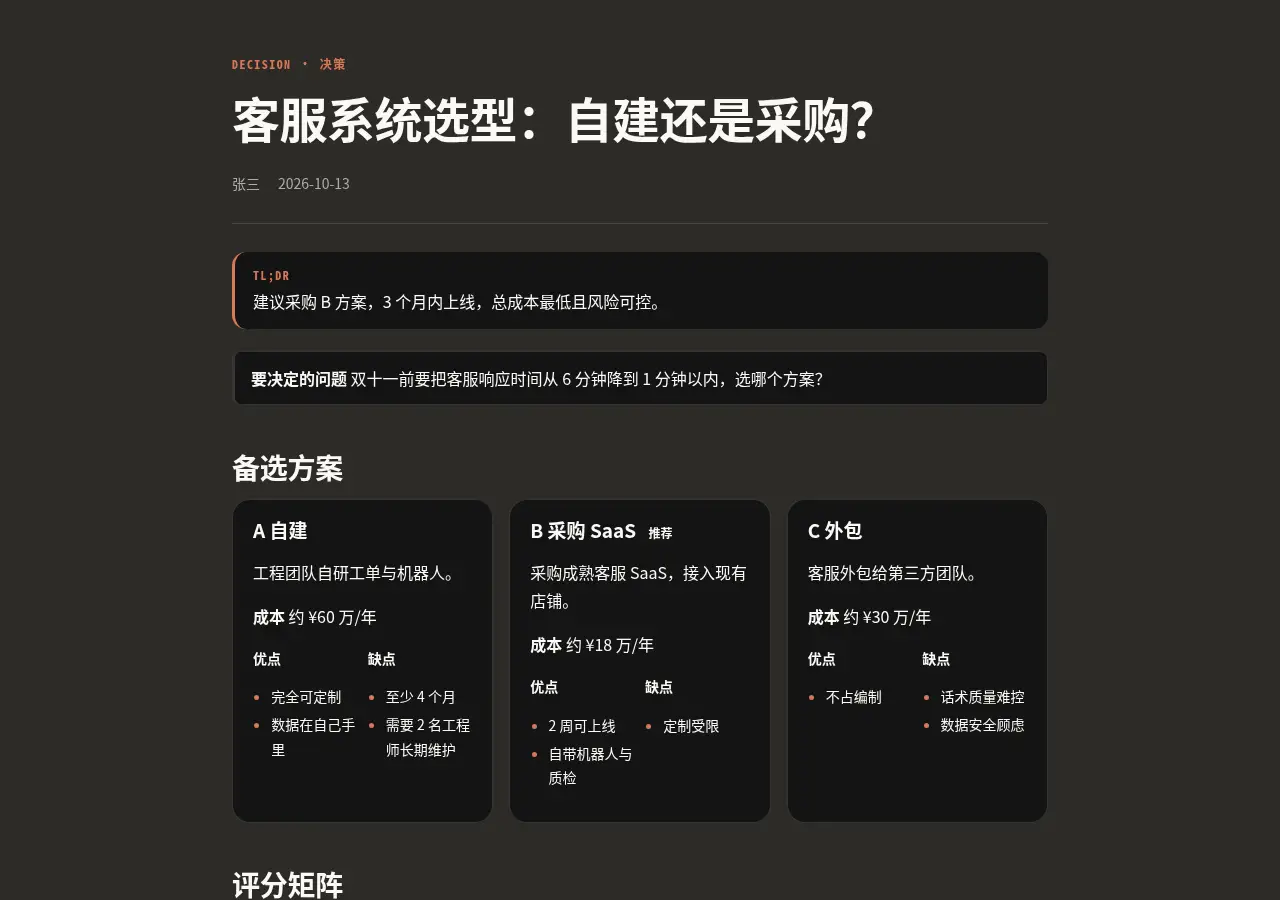
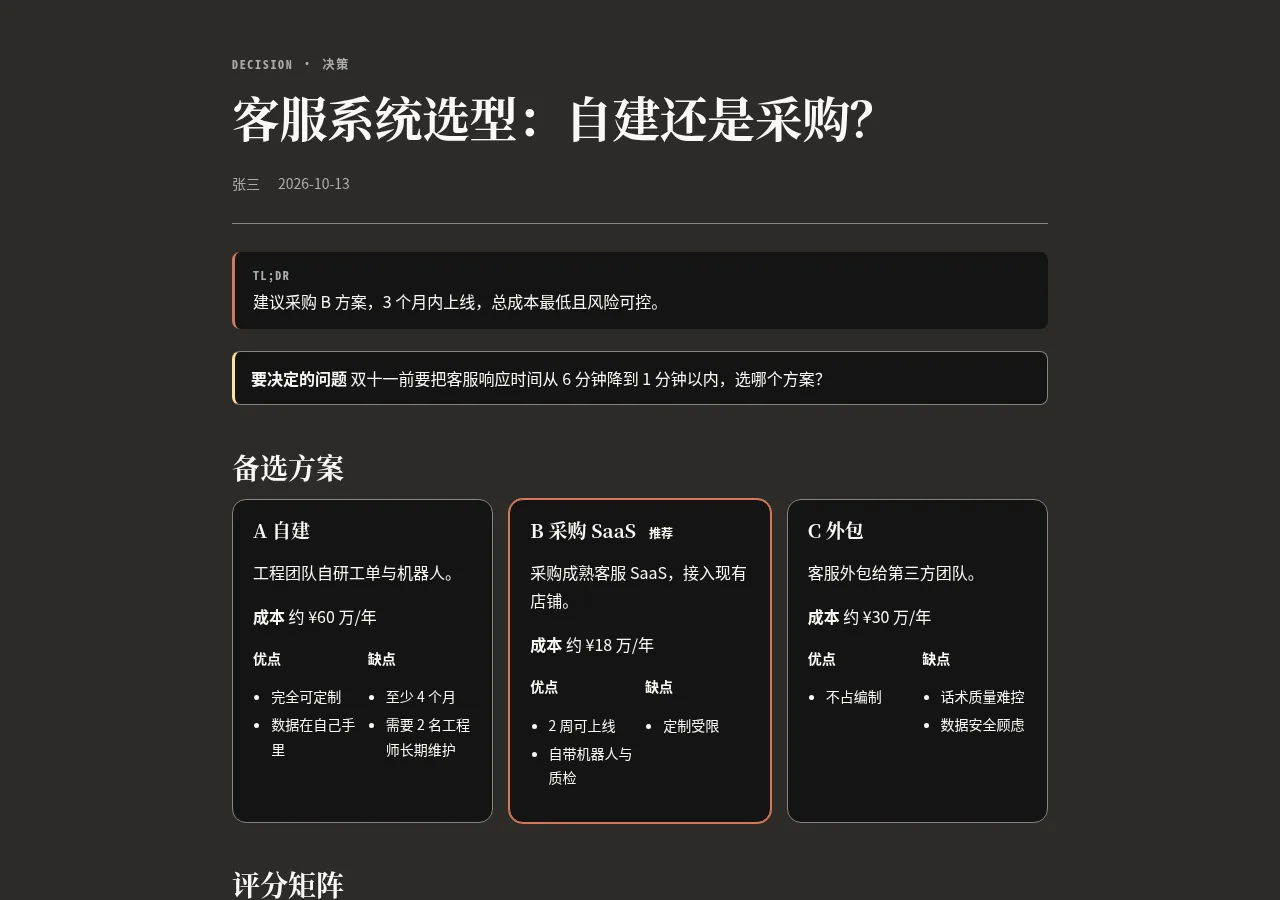
官方默认模板:Noir 深色底、Lotion 字,Peachy 等调色板彩色点在引号、列表符号、序号和链接上;每日简报、市场调研邮件、任何自动化的定期报告都合适,网页和邮件两种输出。The official default: a Noir canvas, Lotion text, palette colour on quotes, bullets, numbers and links; daily briefs, market-research mails, any automation's recurring report, as a web page or an e-mail.
跟你的 Agent J 说:Tell your Agent J:「以后每天的简报用 R14 模板发我邮箱。」“Send my daily brief with template R14.”
12 种主题12 themes
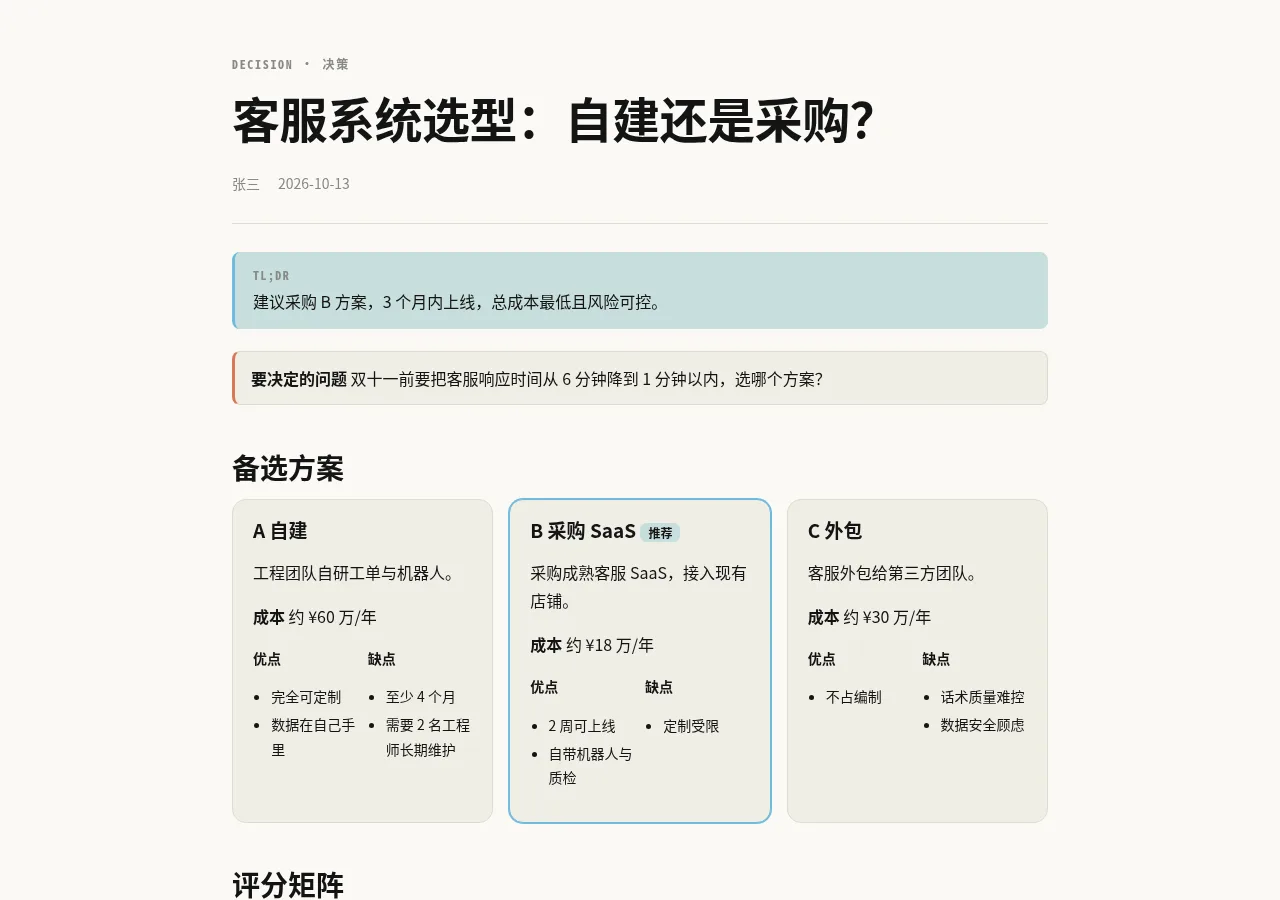
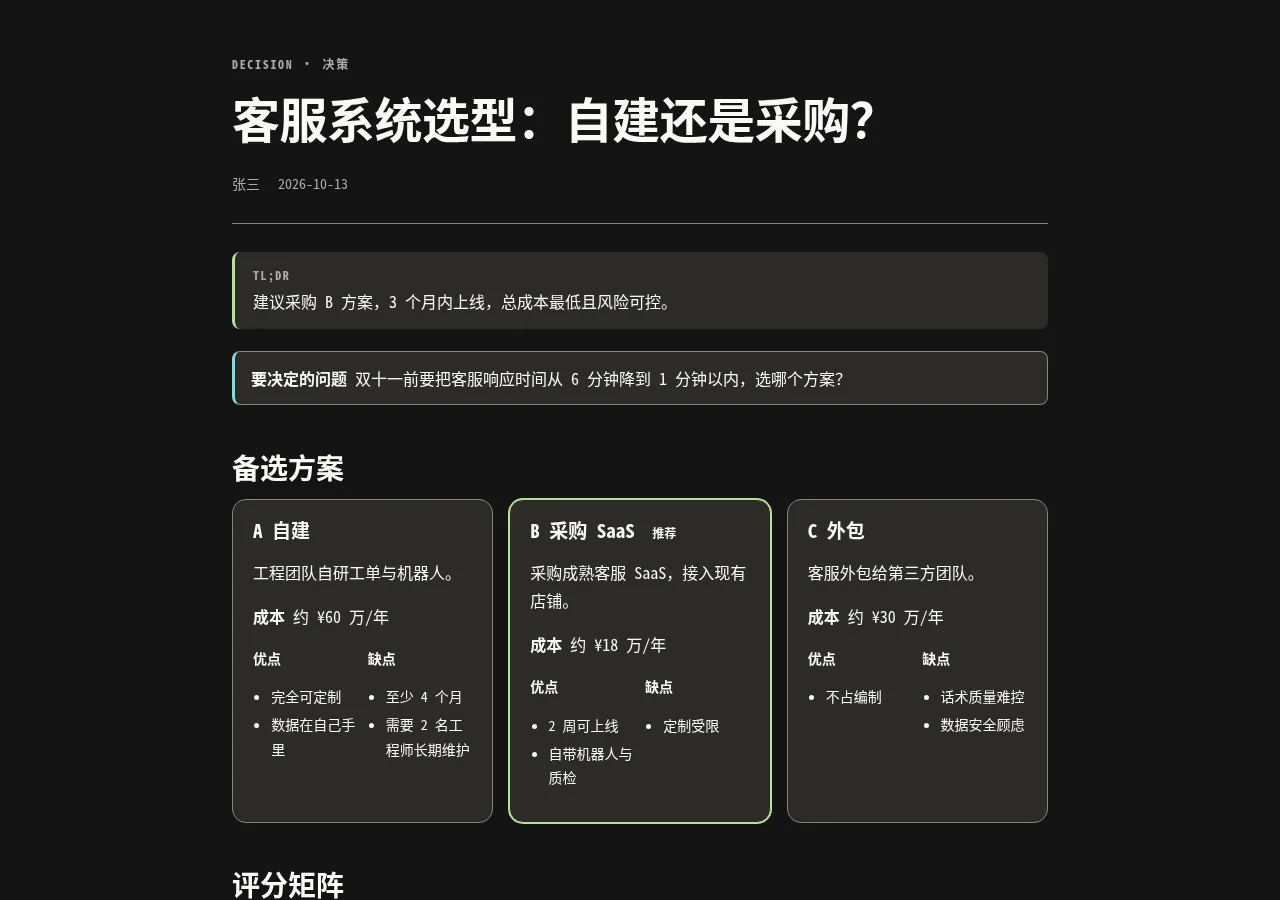
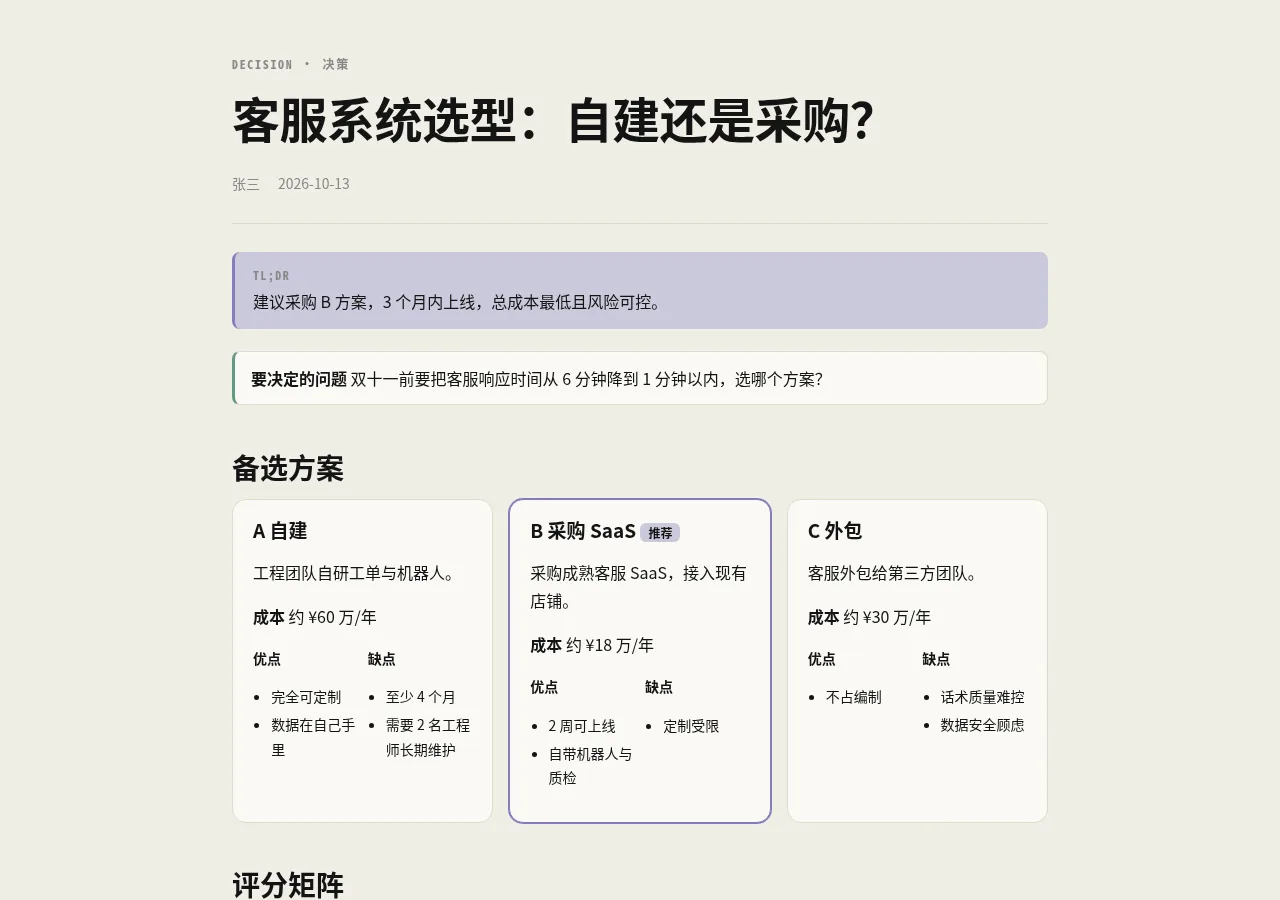
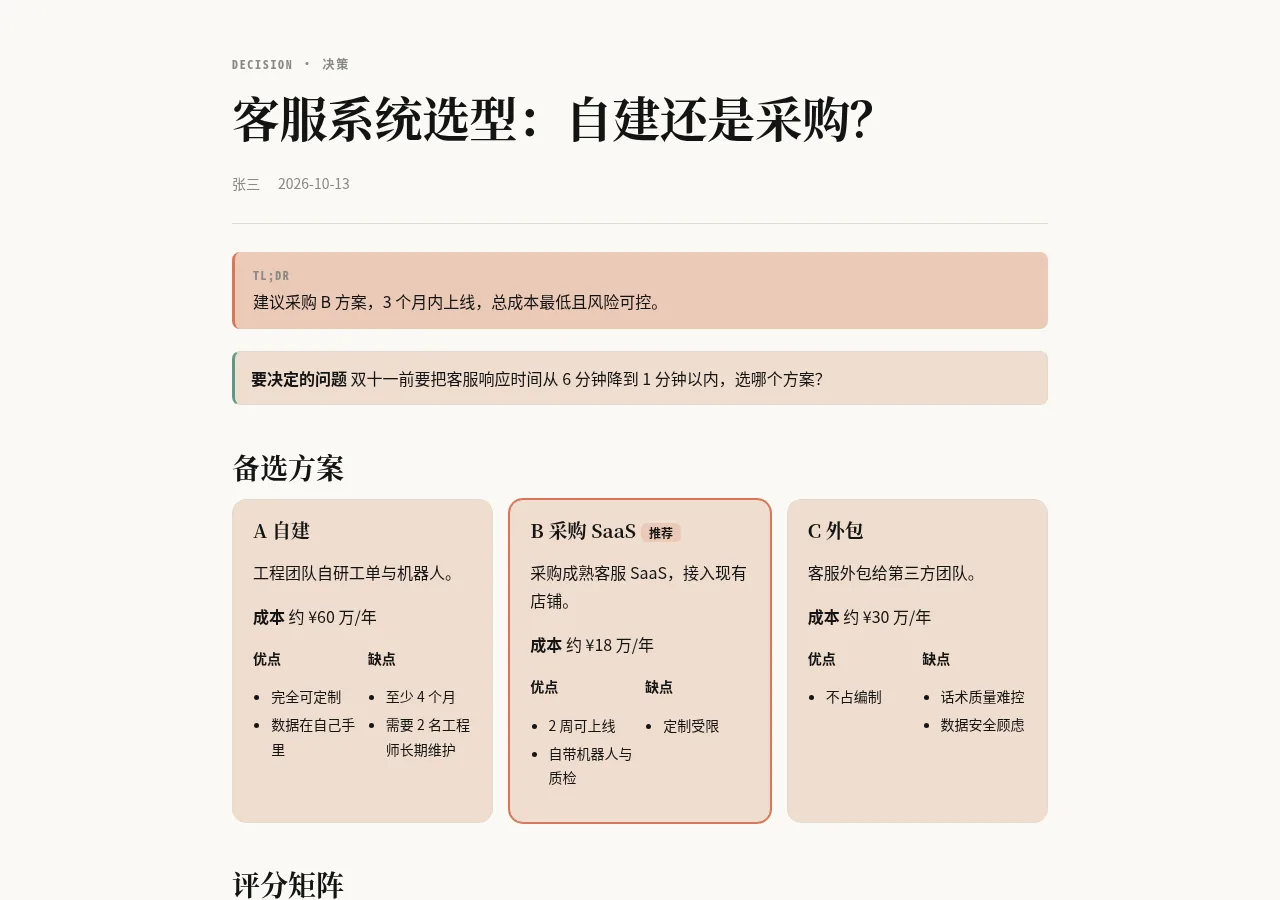
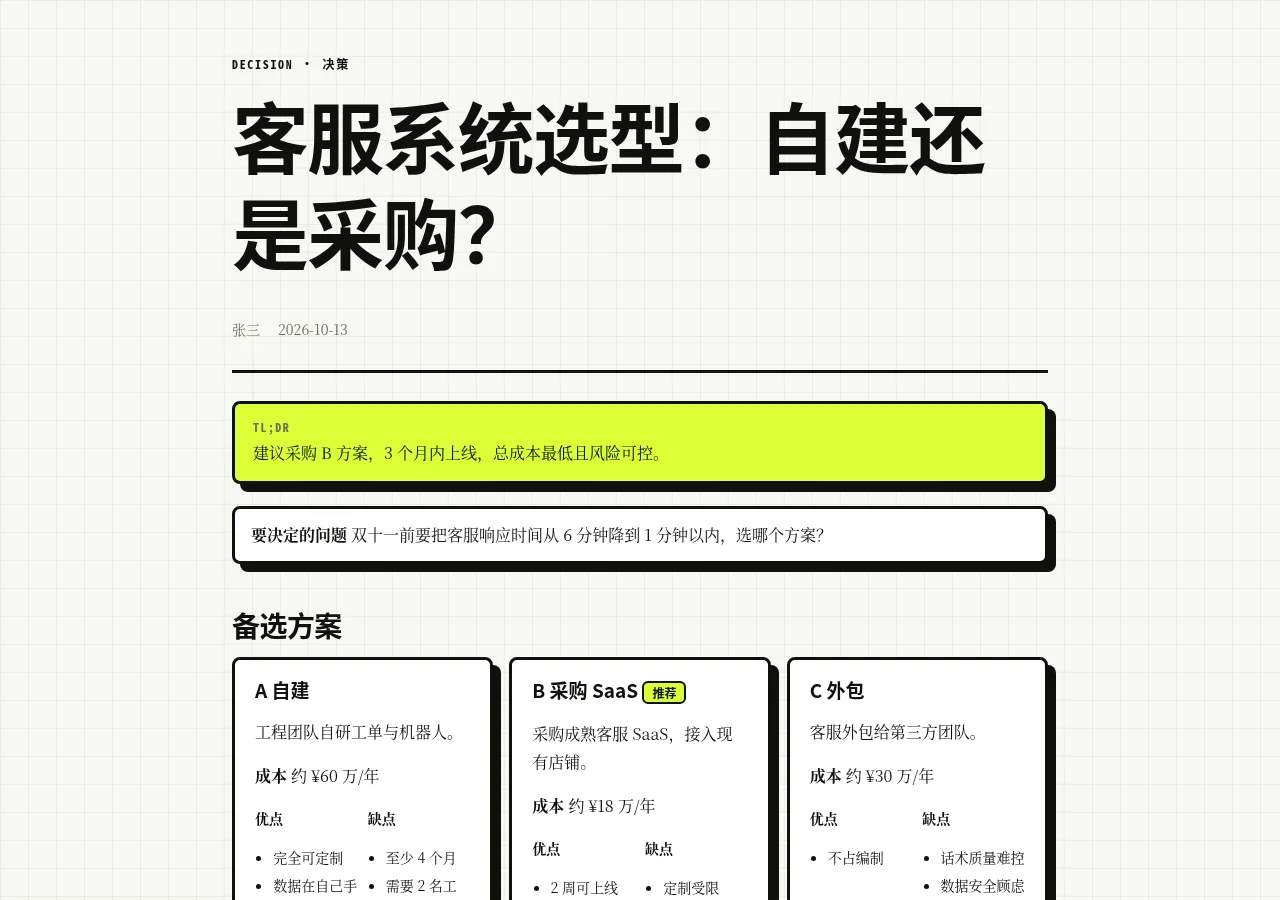
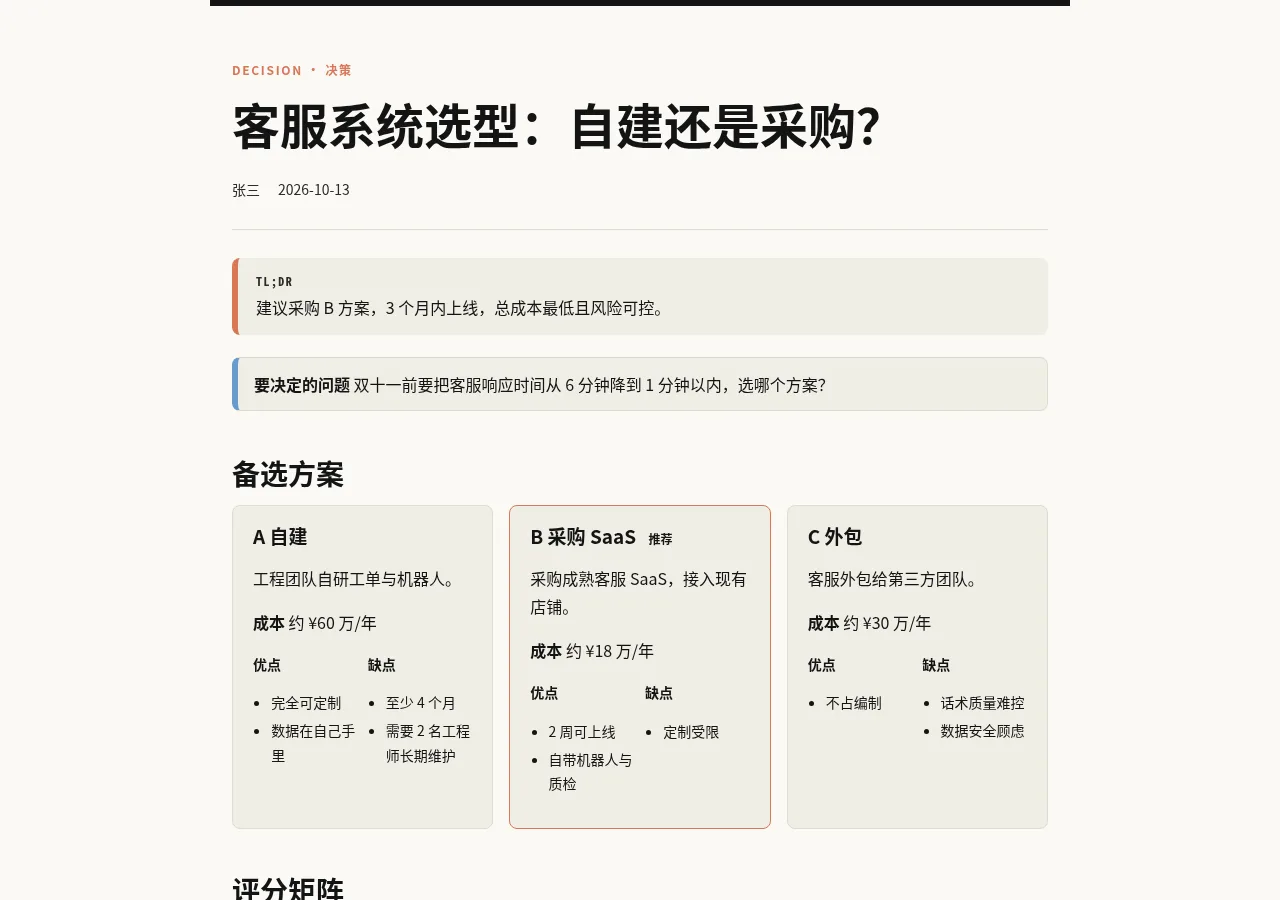
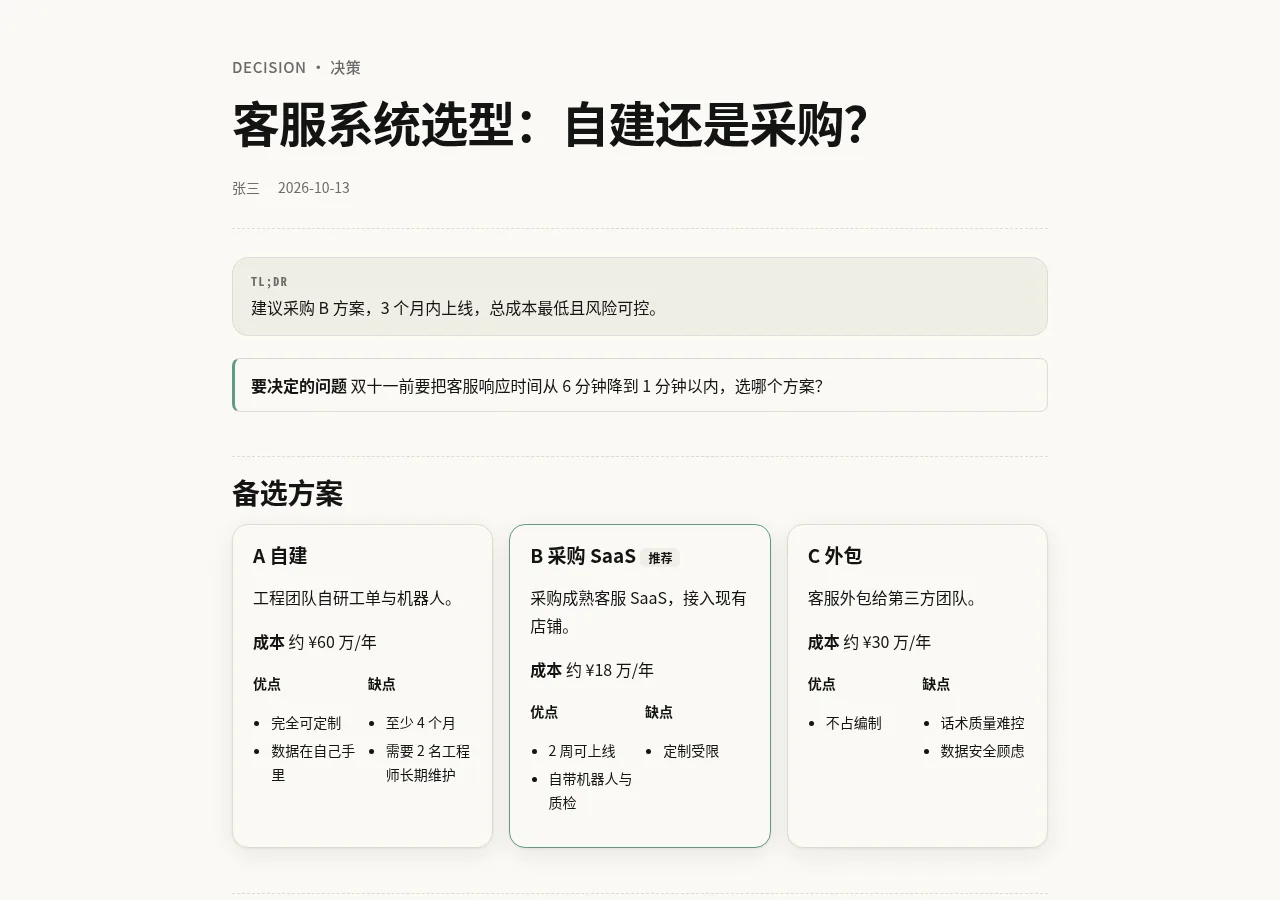
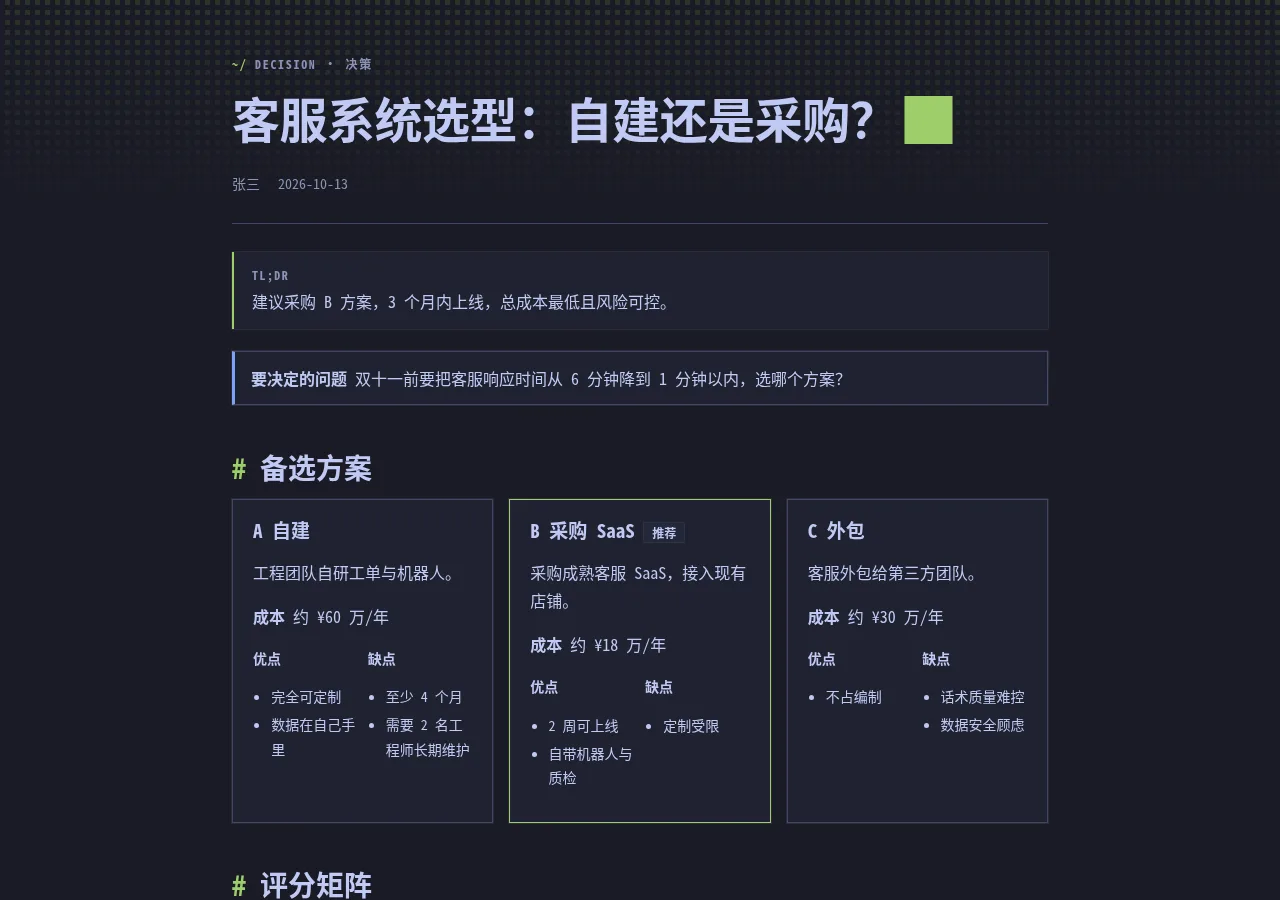
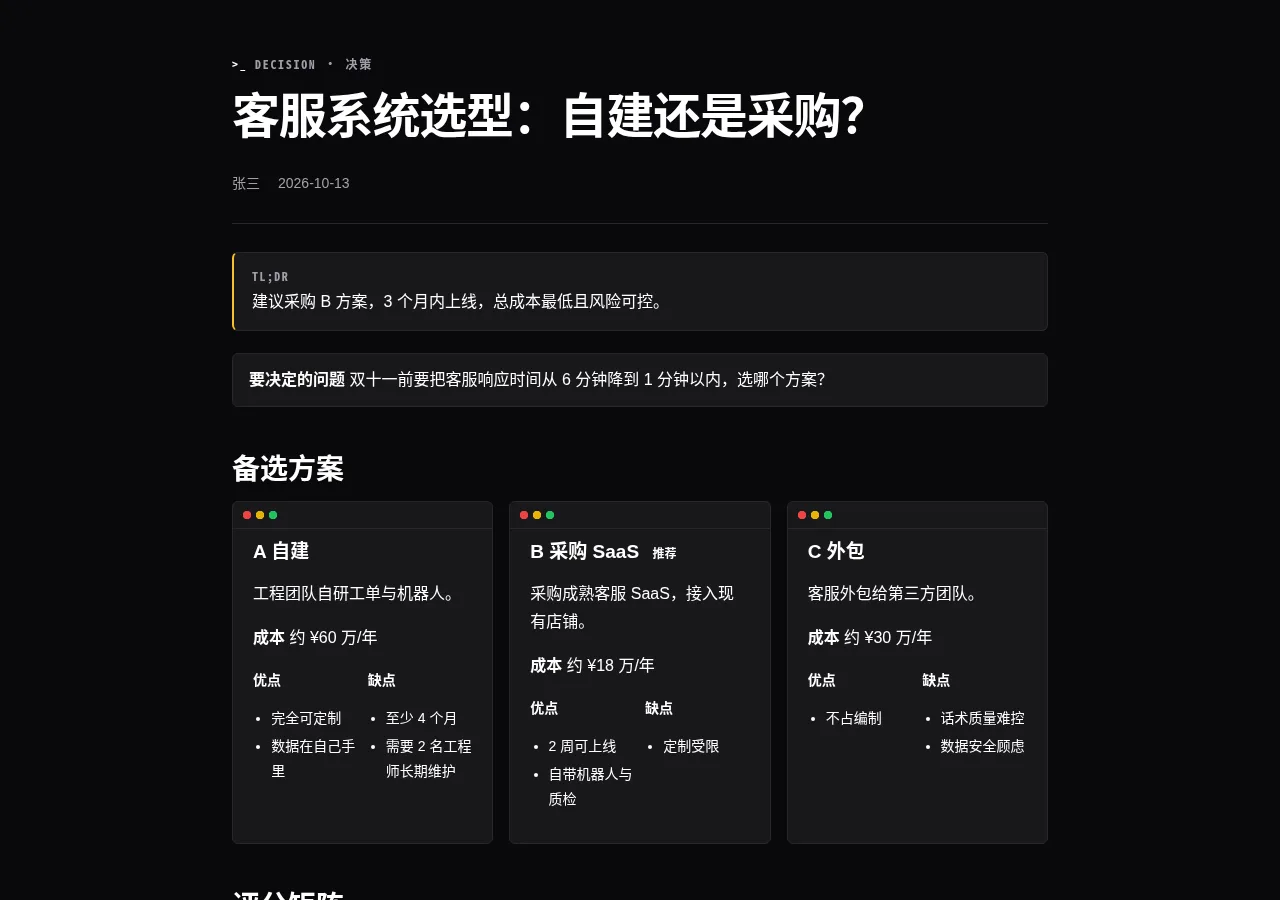
下面是同一份内容换上不同主题的样子。想换风格,跟 Agent 说「换成 grit 主题」就行。The same report, dressed in each theme. To switch, tell your Agent “use the grit theme.”
noirAgent J Noir · 默认深色Agent J Noir · dark default
Noir 底、Lotion 字,Peachy Feeling 引号与列表点、Buttery 序号、Milky Waves 链接——和 Agent J 手机端底部弹窗、Workflow 卡片同一套视觉。A Noir canvas with Lotion text; Peachy Feeling quotes and bullets, Buttery numbers, Milky Waves links. The same look as the bottom sheets and Workflow cards in the Agent J phone app.
模板化发布:Agent 只填数据,模板管长相Template publishing: your Agent fills in the data, the template owns the look
简报、调研邮件这类每天都要发的报告,最怕两件事:今天好看明天走样,或者数据没填完就发了出去。网页报告 1.3 起改成按模板发布:Agent J 只负责填一份数据,排版和颜色全由模板决定;数据不合格会被当场拦下,什么都不会发出去。Reports that go out every day, like a morning brief or a research mail, have two ways to go wrong: a layout that drifts from one day to the next, or half-finished data going out. Since Web Page Report 1.3, publishing runs on templates. Agent J only fills in the data, the template decides the layout and colours, and data that doesn't fit is stopped before anything is sent.
填数据Fill in the dataAgent J 按模板的要求写一份 report.json,里面只有内容:标题、要点、条目、链接。Agent J writes a report.json in the shape the template asks for: content only, such as the title, highlights, items and links.
检查Check it逐项对照模板的规则检查。少了字段、多了模板不认识的字段、链接不是 https,都会指出具体在哪一处,然后停下,不生成也不发送。Every field is checked against the template's rules. A missing field, a field the template doesn't know or a link that isn't https is reported with its exact place, and it stops there: nothing is rendered or sent.
出网页或邮件A web page or an e-mail检查通过才按模板生成网页,或者生成邮件版直接发到你的邮箱。同一个自动化每天跑,长相每天都一样。Only data that passes becomes a web page, or a mail-safe e-mail sent straight to your inbox. A daily automation looks the same every day.
平时跟 Agent J 说一句话就够了。想自己试试,或者写进自动化,命令是下面这几条;不写 -t 就用 R15:Normally one sentence to Agent J is enough. To try it yourself or put it in an automation, these are the commands; leave out -t and you get R15:
R15 Agent J Noir、R02 技术分享、R14 调研报告有邮件版:表格排版、样式全部内联、最宽 640 像素,不带脚本。在 Gmail、Apple Mail 和手机邮件里都能正常显示,深色模板在深色模式下也不会被反色。R15 Agent J Noir, R02 Tech Talk and R14 Research Brief have an e-mail version: table layout, inline styles only, at most 640 px wide and no scripts. It reads well in Gmail, Apple Mail and phone mail apps, and a dark template isn't inverted in dark mode.
其余 12 个只出网页,卡片上标着「仅网页」。它们要靠图表、播放器、多列排版或本地图片,邮件里放不下,硬转只会变形,所以干脆不提供邮件版。The other 12 are web only, and their cards say so. They rely on charts, players, multi-column layouts or local images that mail can't hold, so rather than send a broken mail they don't offer one.
不挑模板时,一律用 R15 Agent J Noir:深色底、浅色字,网页和邮件都有。If you don't choose a template, it's always R15 Agent J Noir: a dark canvas with light text, as a web page and as an e-mail.
自己做模板Make your own template
官方模板都不合适,可以做一个自己的。它走同一套发布协议:同样先检查数据,同样能出网页和邮件。让 Agent J 帮你起个头:If no official template fits, make your own. It follows the same protocol: the data is checked first, and it can produce a web page and an e-mail. Ask Agent J to start one for you:
「照今天这封日报的样子,给我做一个自己的报告模板。」“Make me my own report template that looks like today's daily mail.”
这句话背后就是一条命令,它会建好一个能直接改的模板文件夹:Behind that sentence is one command, which sets up a working folder you can edit:
一个模板就是一个文件夹,放在 ~/agent-workspace/report-templates/ 下(也可以放在别处,按路径指定),里面这几个文件:A template is a folder in ~/agent-workspace/report-templates/ (or anywhere, given its path) with these files:
template.json:模板的编号和名字;template.json: the template's id and names;
schema.json:数据规则,要哪些字段、每个字段什么格式;schema.json: the data rules, which fields and in what format;
example.json:一份能通过检查的示例数据;example.json: sample data that passes the check;
page.html:网页版,必需;page.html: the web version (required);
email.html:邮件版,可选,没有就是「仅网页」。email.html: the e-mail version (optional; without it the template is web only).
安全规则Safety rules
模板里只能写占位符,比如 {{ title }};没有任何能执行代码或原样输出 HTML 的写法,填进去的文字一律转义。A template only holds placeholders such as {{ title }}. There is no way to run code or print raw HTML, and every piece of text is escaped.
不许有脚本、内嵌框架、表单和事件属性,也不从外面加载任何东西;图片只能是模板里自带的。No scripts, frames, forms or event attributes, and nothing is loaded from outside; images must be built into the template.
不合规的模板在加载时就会被拒绝,并指出是哪个文件、哪一行。A template that breaks a rule is refused when it loads, naming the file and the line.
完整规则写在技能包的 references/protocol.md 里,装好技能后 Agent J 可以直接读给你听。官方模板的清单也有一份机器可读的文件:The full rules are in the skill package, in references/protocol.md; once the skill is installed, Agent J can read them to you. The official templates are also listed in a machine-readable file:/web-report/gallery/index.json
谁能看:四种访问方式Who can read it: four kinds of access
每份报告单独设置,发布后随时能改:Set per report, and change it any time after publishing:
全公开:拿到链接的人都能看,也可能被转发。Public: anyone with the link can read it, and it may be forwarded.
访问码:默认方式,自动生成 6 位码,你把链接和码一起转给读者。Access code: the default. A 6-digit code is generated; send it along with the link.
公司邮箱验证:只有指定域名的邮箱(比如 @你的公司.com)收到验证码后才能看。Company email: only addresses on the domains you list (say, @yourcompany.com) can read it, after confirming a code sent to that inbox.
任意邮箱验证:谁都能看,但要先留一个真实邮箱;你能在统计页看到谁看过。Any email: anyone can read it after confirming a real address, and you see who did on the dashboard.
换访问方式或换访问码后,读者之前打开的会话全部失效。Changing the access mode or the code signs every existing reader out.
有效期Expiry
可选 1 天、7 天(默认)、30 天、1 到 3 年,或永久。1 day, 7 days (default), 30 days, 1 to 3 years, or never.
到期后链接打不开(返回 410),内容每天自动清理。想多留几天,跟 Agent 说「把这份报告延长 30 天」;想马上收回,说「撤回这份报告」。Once a report expires the link stops working (HTTP 410), and the content is cleared in a daily sweep. To keep it longer, say “extend this report by 30 days”; to pull it now, say “revoke this report.”
统计页:谁看过你的报告Dashboard: who read your report
每份报告都有一个只给作者看的统计页,地址是报告链接后面加 dashboard。里面有:Every report has a dashboard for its author alone: add dashboard to the end of the report link. It shows:
阅读次数、独立访客和近 30 天走势;views, unique visitors and a 30-day trend;
来源网站、国家或地区、设备类型,以及最近 50 条访问记录;referring sites, country or region, device type, and the latest 50 visits;
邮箱验证模式下,访问过的邮箱名单(只在统计页出现,不出现在报告里)。for email access, the list of addresses that opened it (shown on the dashboard only, never in the report).
登录有两种方式:输入管理授权码,或者用作者邮箱收验证码。统计数据存在你自己 Cloudflare 账号的数据库里,不记 IP。Sign in with the admin code, or with a code sent to the author's email. The numbers live in a database in your own Cloudflare account, and IP addresses are not recorded.
需要准备什么What you need
报告发布在你自己的 Cloudflare 账号和域名上,不经过我们的服务器。第一次用时 Agent 会带你做一次初始化:Reports are published to your own Cloudflare account and domain; they never pass through our servers. The first time, your Agent walks you through a one-off setup:
一个 Cloudflare 账号,加一个已经接入 Cloudflare 的域名。报告会发在它的二级域名上,比如 report.你的域名.com;a Cloudflare account and a domain already on Cloudflare; reports go on a subdomain such as report.yourdomain.com;
一个只给这件事用的 Cloudflare 令牌。由你自己写进本机配置文件,不要贴进聊天;初始化完成后就可以删掉;a Cloudflare token made just for this, which you put into a config file on the Agent J host yourself rather than pasting it into the chat; you can delete it once setup is done;
想用邮箱验证码和发布回执,再配一个发信服务(Mailgun 或 Resend)。不配也能用访问码。for email codes and publishing receipts, an email sending service (Mailgun or Resend). Access codes work without one.
初始化之后,每次发布只要一句话。After that, every report takes one sentence.
给 Agent 读的部分The part for Agents
每个报告页面都支持 WebMCP:浏览器里的 Agent 可以直接读取报告的目录、章节和完整数据,不用去解析网页。每份报告还附带一份同样受访问控制的 report.json。Every report page supports WebMCP: an Agent in the browser can read the outline, any section or the full data directly instead of scraping the page. Each report also ships a report.json behind the same access rules.
页面不加载外部字体和脚本;非公开的报告不会被搜索引擎收录。Pages load no external fonts or scripts, and reports that aren't public stay out of search engines.