

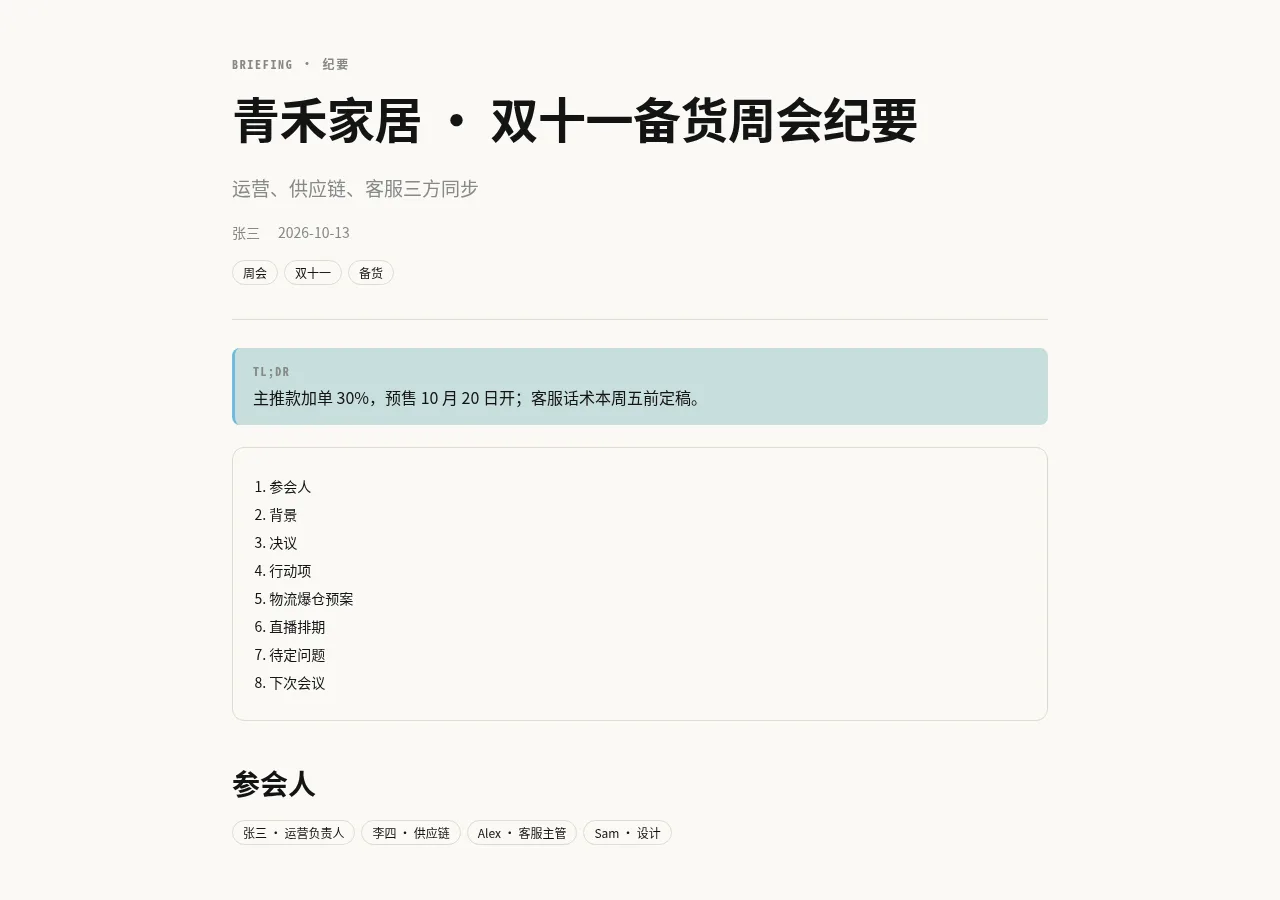
R01会议纪要 / 日报Briefing & Minutes
开会、站会、日报周报:把聊天里的决议、行动项、负责人和截止日期整理成一页。Meetings, stand-ups, daily/weekly notes: decisions, action items, owners, due dates.
广场技能 · 网页报告Plaza skill · Web Page Report
聊完一件事,跟 Agent 说「把刚才的结论做成网页报告」。它挑一个合适的模板,把内容整理好,发布到你自己的域名,给你一个能直接转发的链接。When a conversation lands somewhere, tell your Agent “make the conclusions into a web report.” It picks a fitting template, writes the content up, publishes it on your own domain and hands you a link ready to forward.
不用自己写网页,也不用记命令。在手机上点回复卡左下角的白色圆形按钮「分享成网页报告」,或者直接跟 Agent 说,比如:No HTML to write, no commands to remember. On the phone, tap the round white button at the bottom left of a reply, "Share as a web report" — or just ask, for example:
「把今天会上定下来的事做成网页报告,发给团队。」“Turn what we decided in today's meeting into a web report for the team.”
「用 R08 把这个月的数据做成报表,只给公司同事看。」“Use R08 to make this month's numbers into a report, company colleagues only.”
没说清的,Agent 会一次问完:分享哪部分、谁能看、多久有效、要不要隐去名字和数字。你一句话说清了,它就不问,直接做:Whatever you left open, your Agent asks in one go — which part to share, who may open it, for how long, whether to hide names and numbers. Say it all in one line and it skips the questions:
模板编号从 R01 到 R14,下面每张卡片左上角就是。看中哪个,直接告诉 Agent 编号:Templates run from R01 to R14; the number sits in the corner of each card below. Found one you like? Just say it:
「用 R03 商业计划那个模板。」“Use R03, the pitch deck one.”
不说也没关系。Agent 会看你要做的内容,顺口问一句想要哪种风格,或者直接推荐最合适的那个。主题和版式是分开的,任何模板都能换任何主题。You don't have to. Your Agent looks at what you're publishing, may ask which look you prefer, or simply picks the best match. Layout and theme are separate, so any template can wear any theme.
每个模板适合一类内容。点预览图打开示例页,示例里的数据都是虚构的。Each template suits one kind of content. Click a preview to open the sample page; all sample data is made up.
开会、站会、日报周报:把聊天里的决议、行动项、负责人和截止日期整理成一页。Meetings, stand-ups, daily/weekly notes: decisions, action items, owners, due dates.
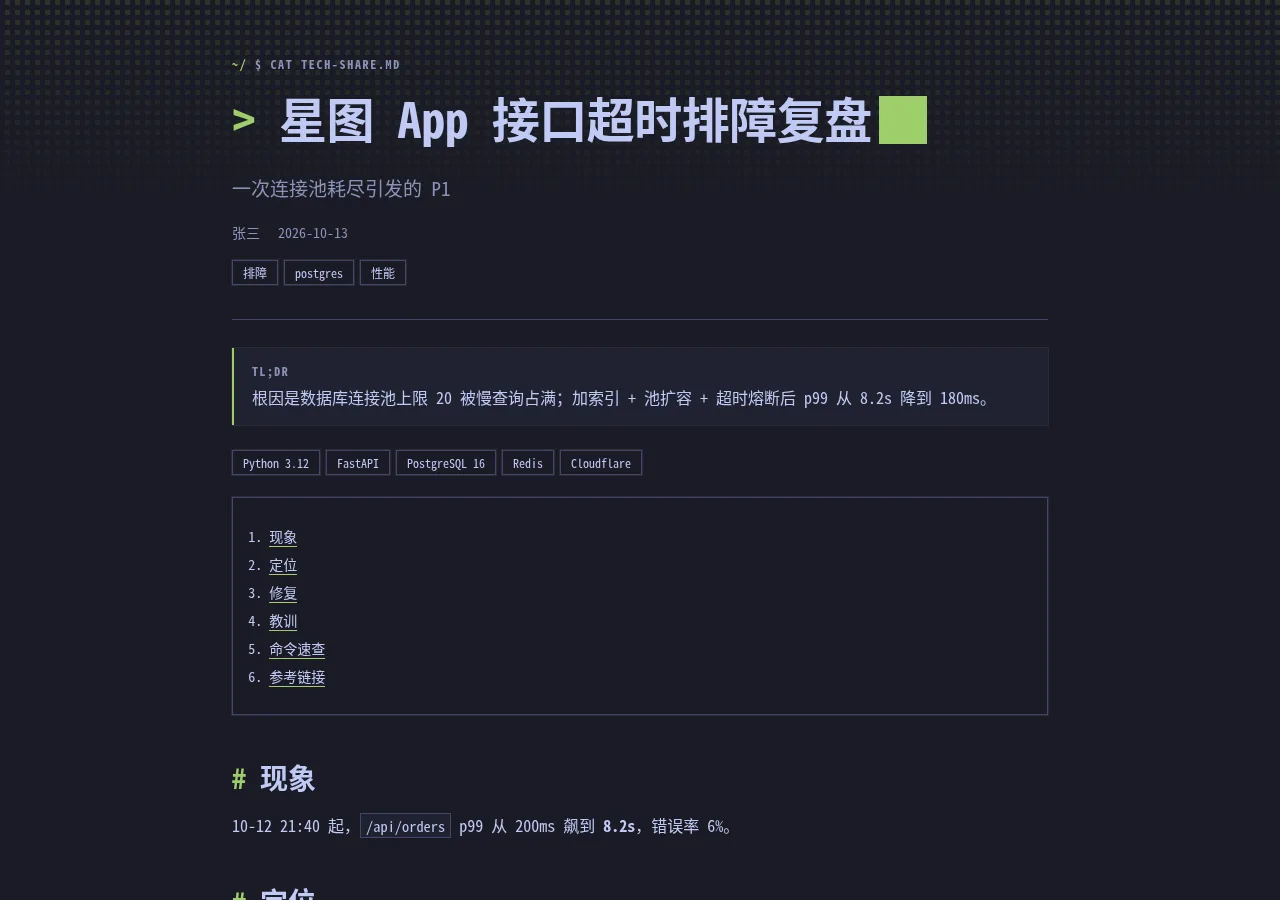
技术方案、排障记录、代码讲解、命令速查;深色终端风,等宽字体。Engineering write-ups, debugging notes, code walkthroughs, command cheat sheets in a terminal look.

融资路演、商业计划、项目立项:问题、方案、市场、数据、团队、融资需求,一屏一页。Fundraising and business plans: problem, solution, market, traction, team, ask — one slide per screen.
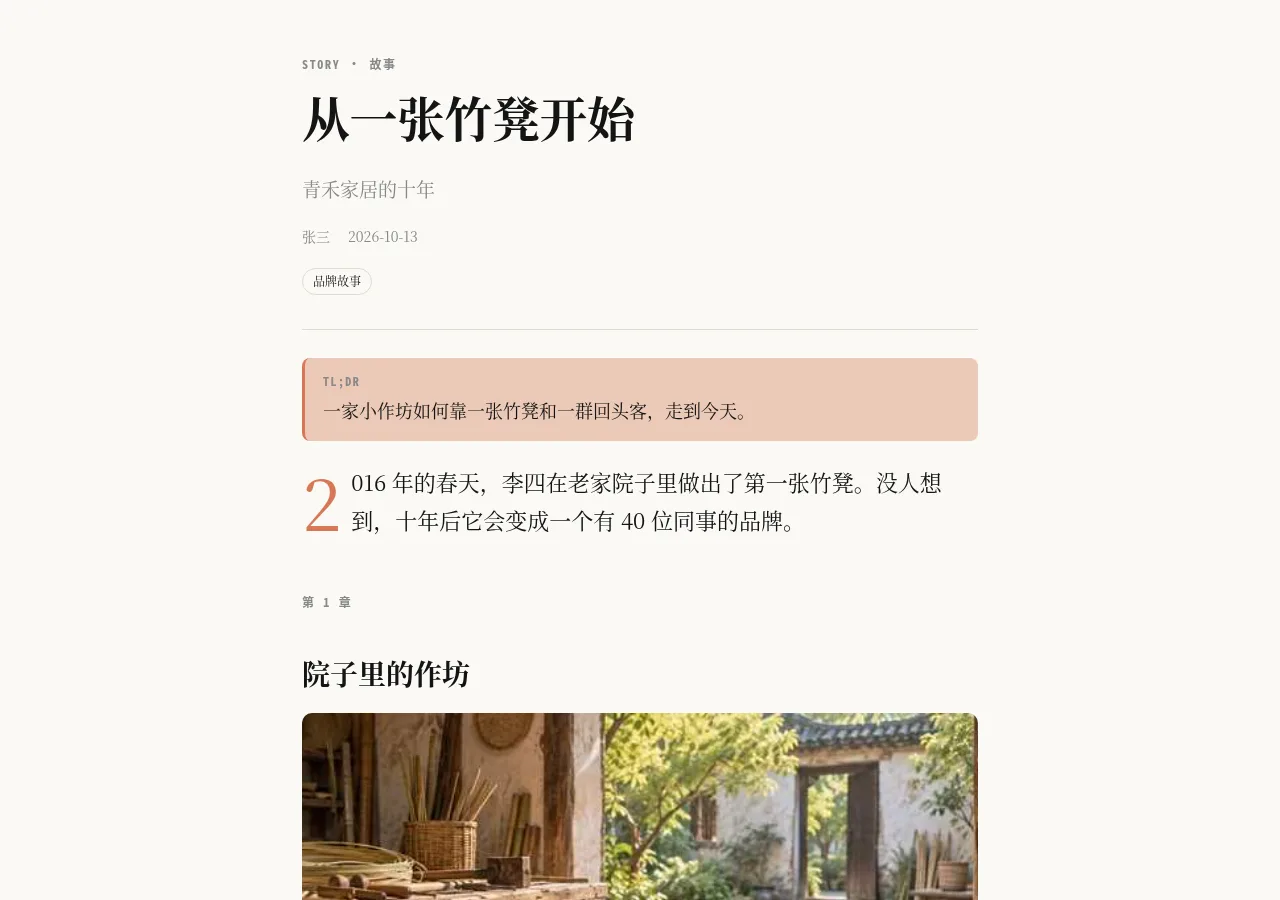
讲故事、人物/品牌故事、回忆与随笔;章节、配图、引言,适合慢慢读。Narratives, brand or founder stories, essays with chapters, images and pull quotes.
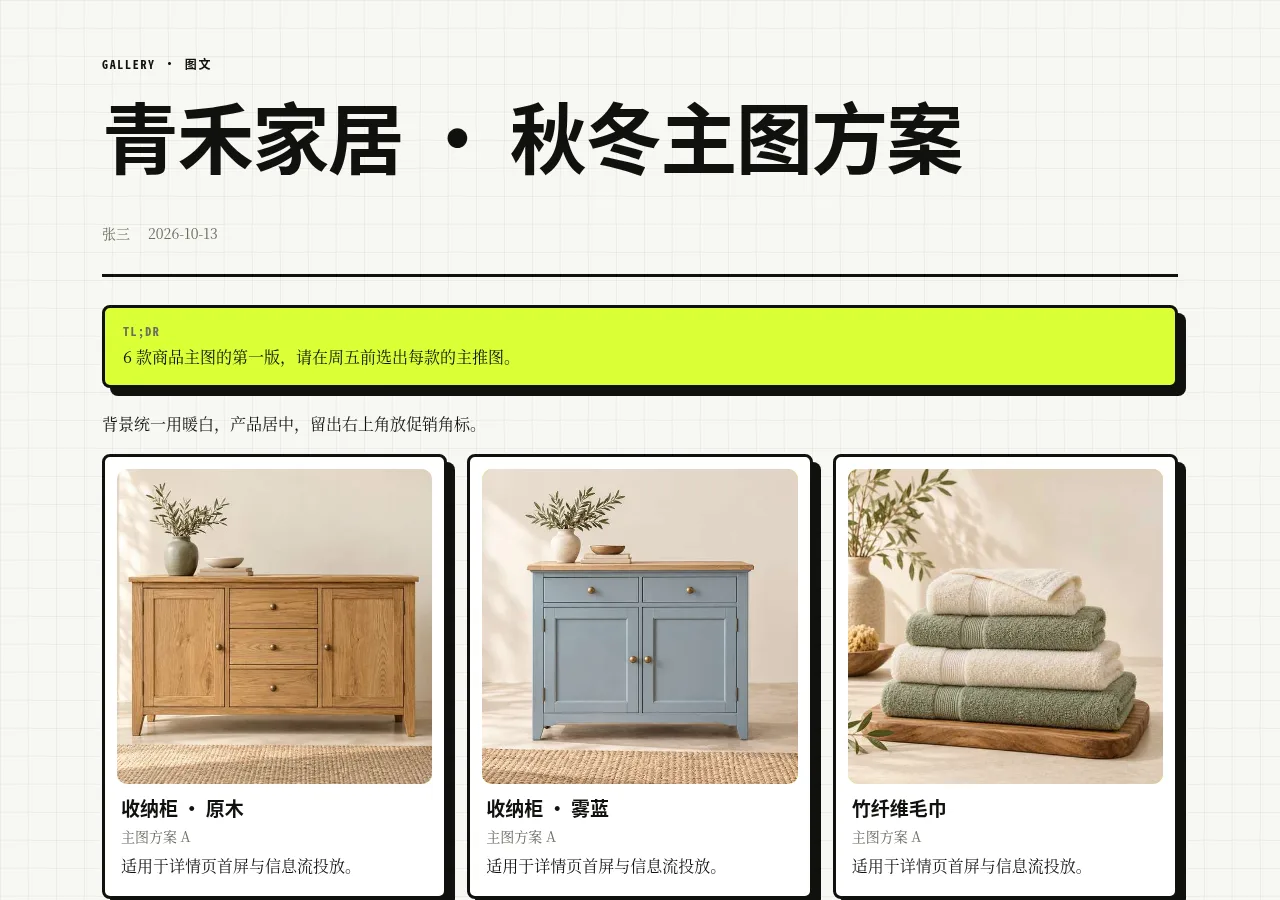
图片为主:作品集、设计稿、商品图、活动照片、生成图合集,每张配说明。Image-first: portfolios, design drafts, product shots, event photos, generated-image sets.
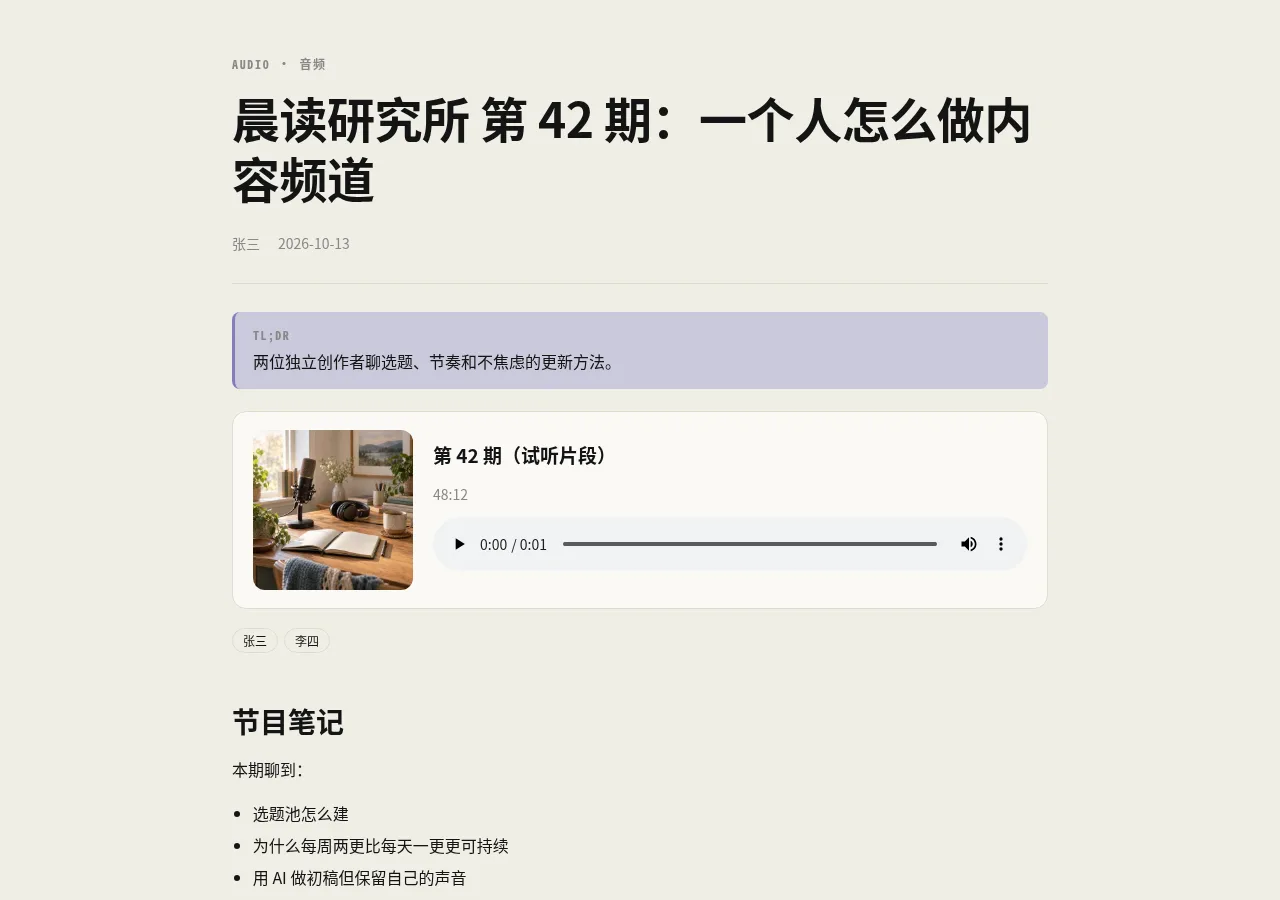
音频为主:播客、配音试听、访谈、录音纪要;播放器 + 章节 + 文字稿。Audio-first: podcasts, voice-over drafts, interviews; player, chapters and transcript.
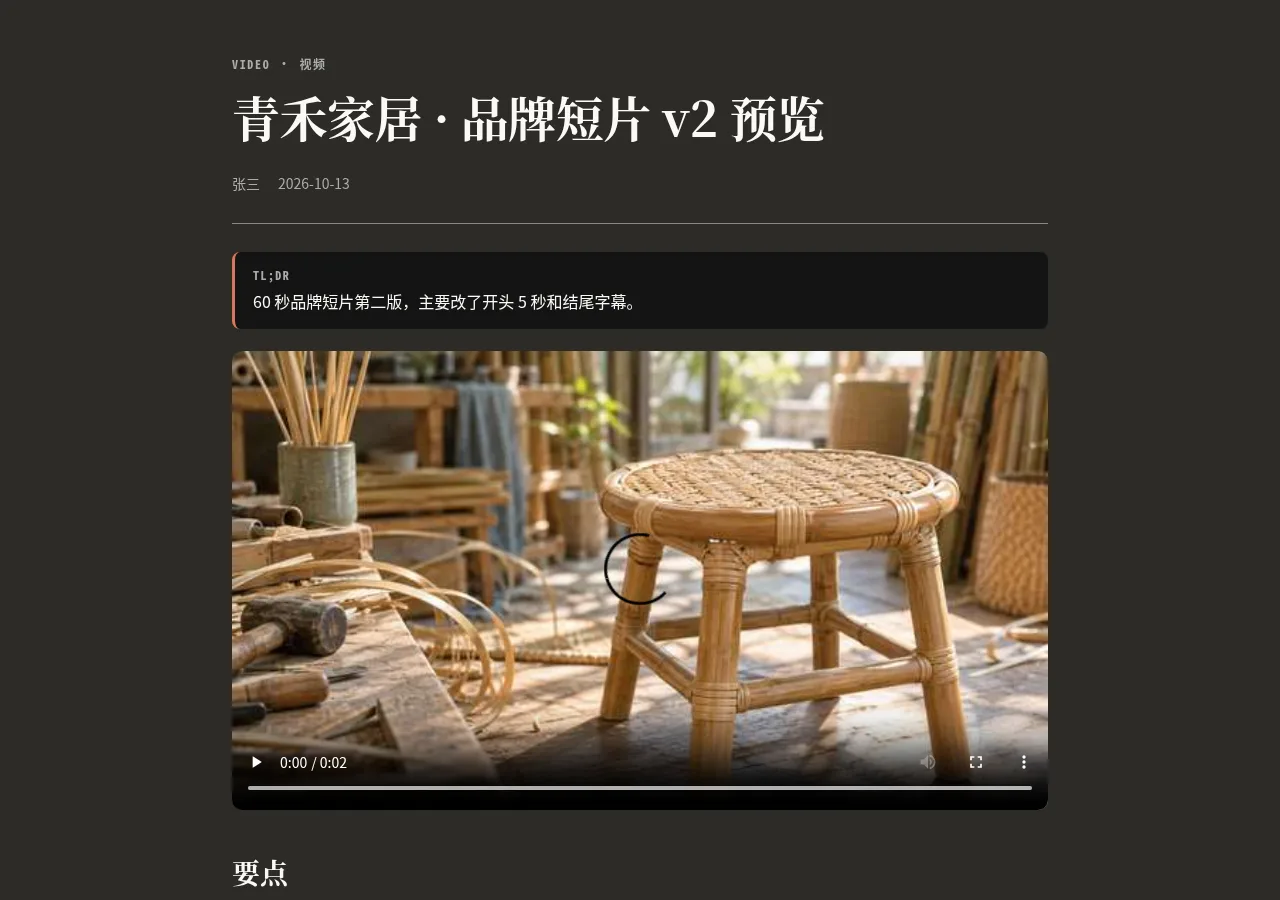
视频为主:成片预览、课程视频、发布会录像、YouTube/B 站嵌入;要点 + 章节。Video-first: cut previews, course videos, recordings, YouTube/Bilibili embeds with key points.
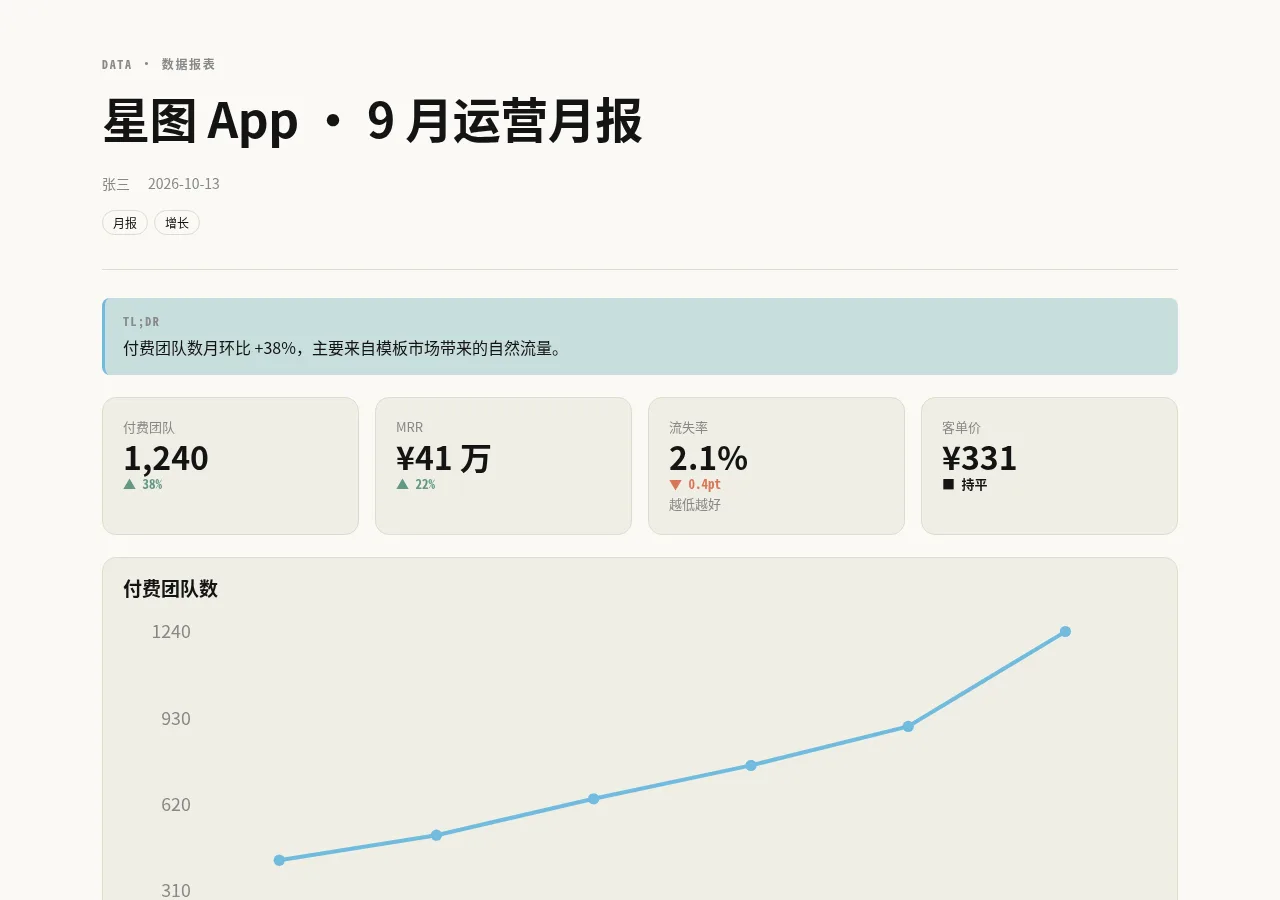
指标卡、柱状/折线图、表格与洞察:运营周报、销售数据、广告投放、实验结果。KPI cards, bar/line charts, tables and insights for ops, sales, ads or experiments.
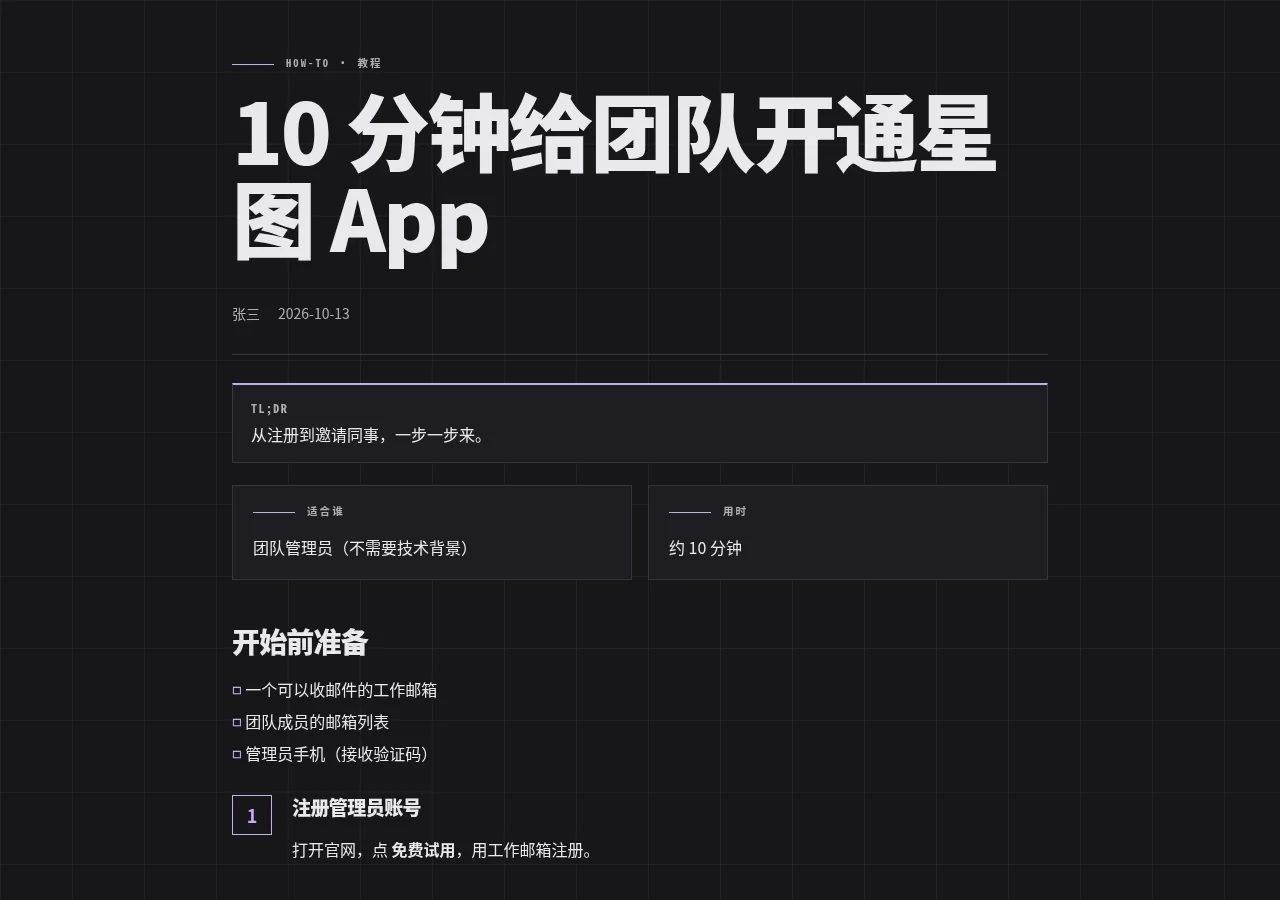
一步一步的操作指南:安装配置、SOP、新人上手;准备清单、步骤、常见问题。Step-by-step guides: setup, SOPs, onboarding with prerequisites, steps and troubleshooting.
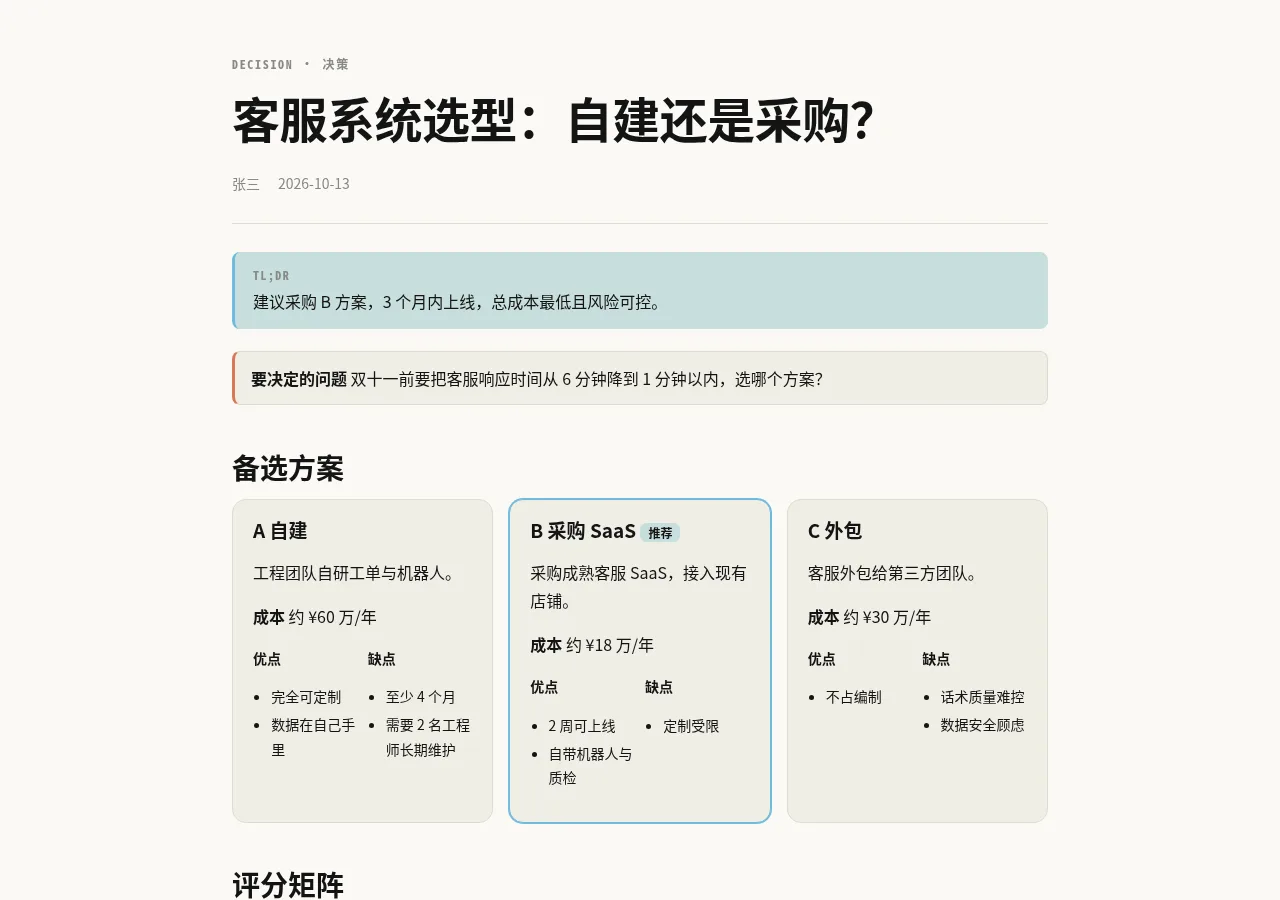
多个方案二选一/多选一:评分矩阵、优缺点、成本、推荐与风险。Compare options: weighted scoring matrix, pros/cons, cost, recommendation and risks.
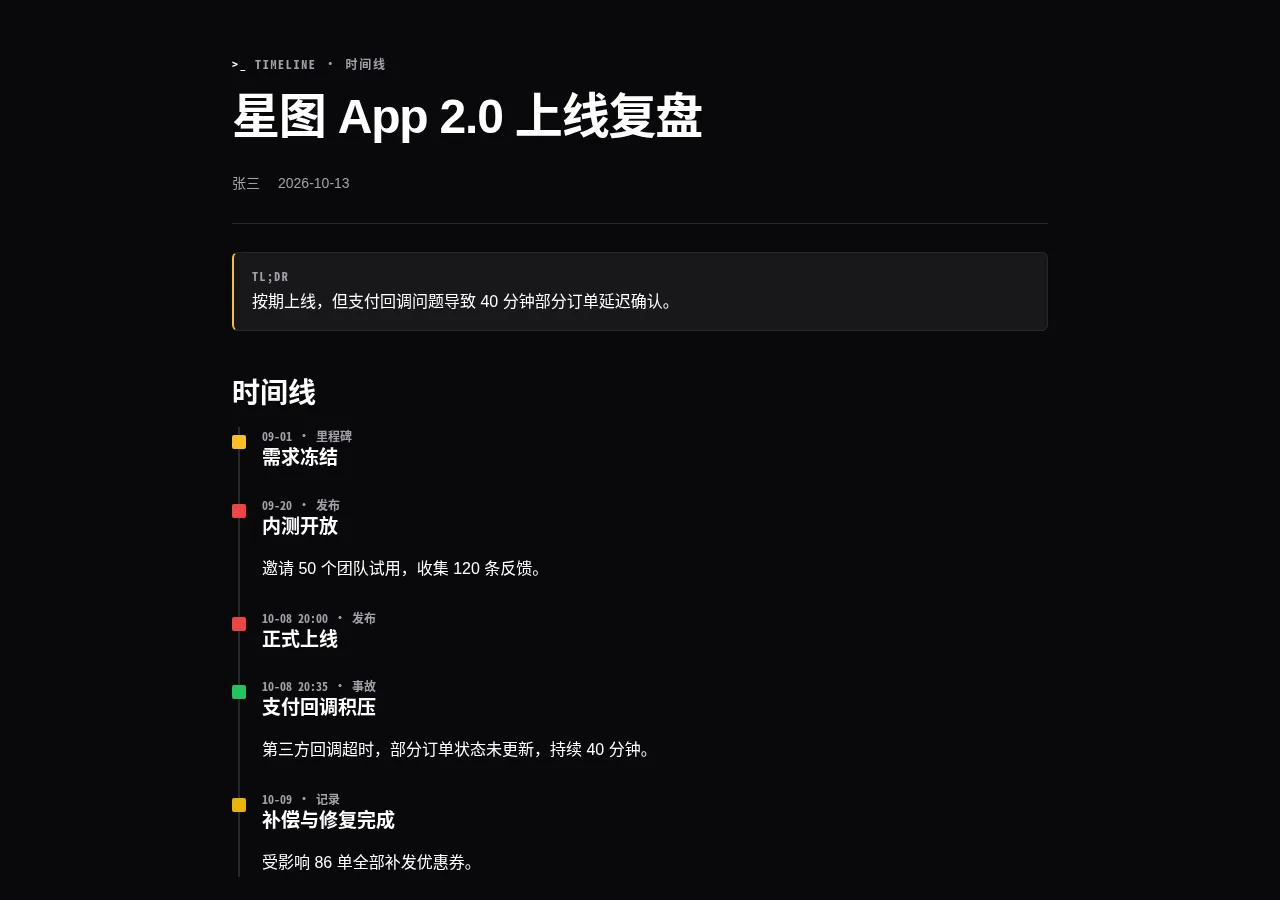
项目进展、事故复盘、里程碑回顾;时间线 + 做得好/待改进/改进行动。Project history, incident post-mortems, milestone reviews with a retro section.
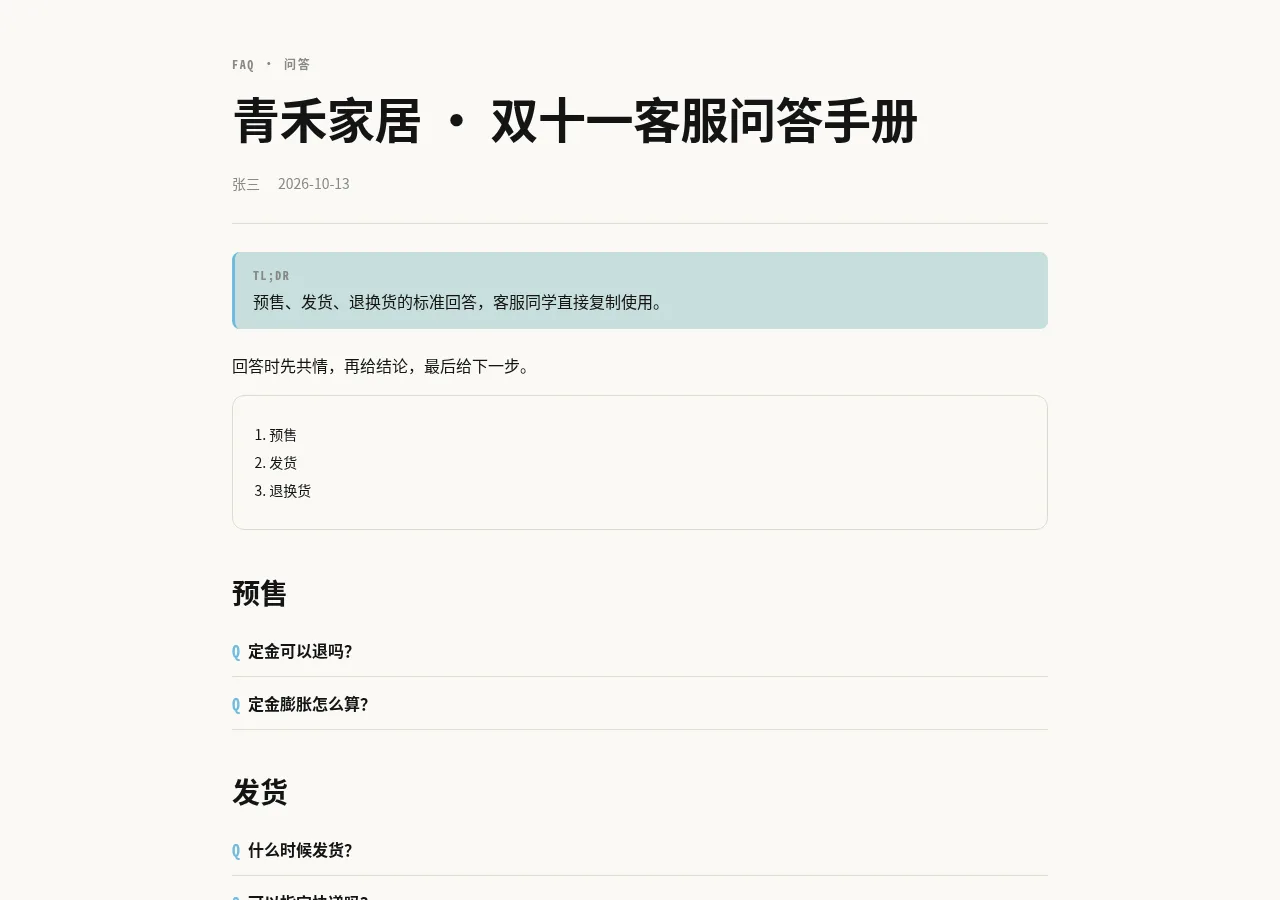
把聊天里的问答沉淀成可折叠的 FAQ:客服话术、产品答疑、内部知识库。Collapsible Q&A for support scripts, product FAQs or internal knowledge.
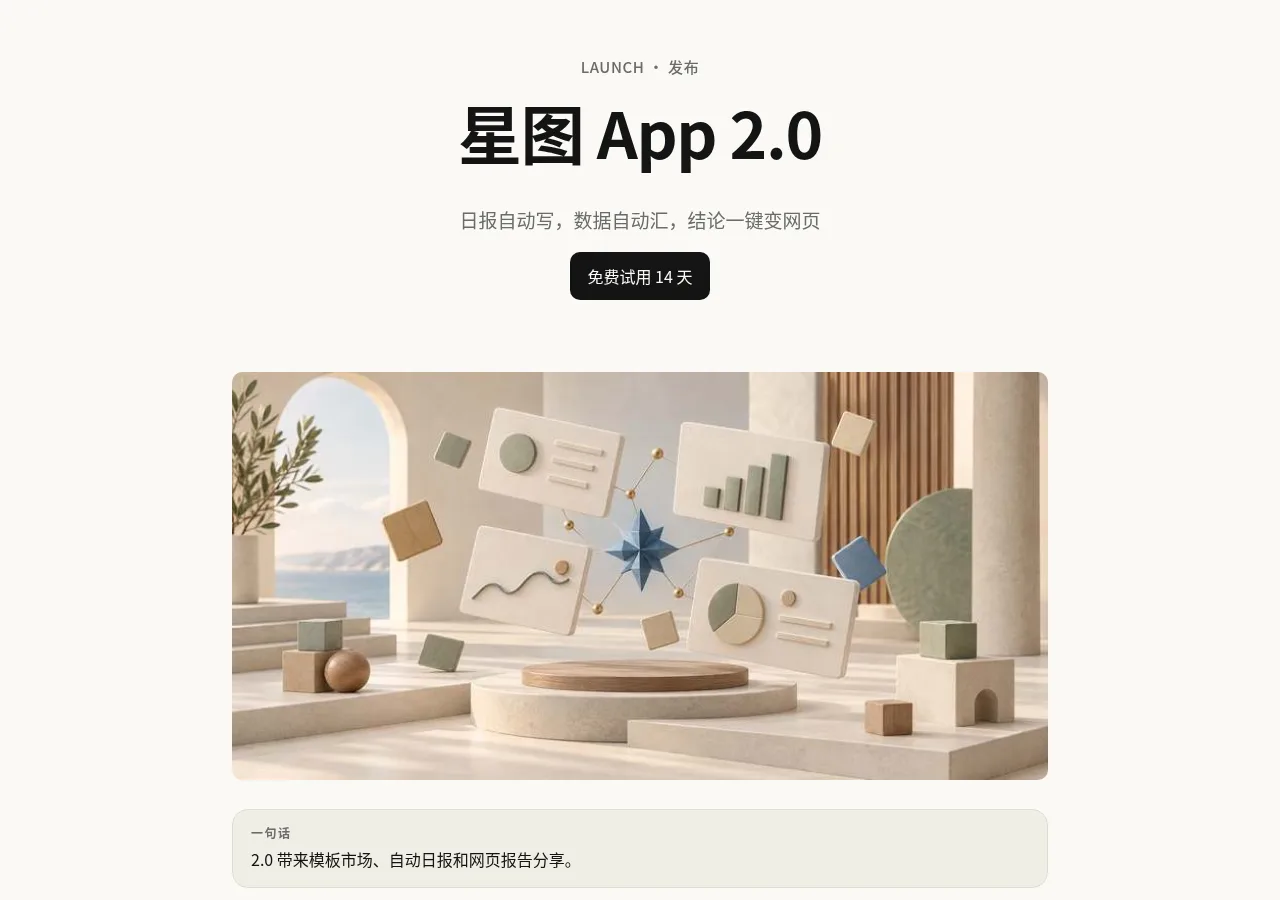
新产品/新功能发布、版本更新说明:亮点卡片、更新日志、行动按钮。Launch pages and release notes: feature cards, changelog, call-to-action.
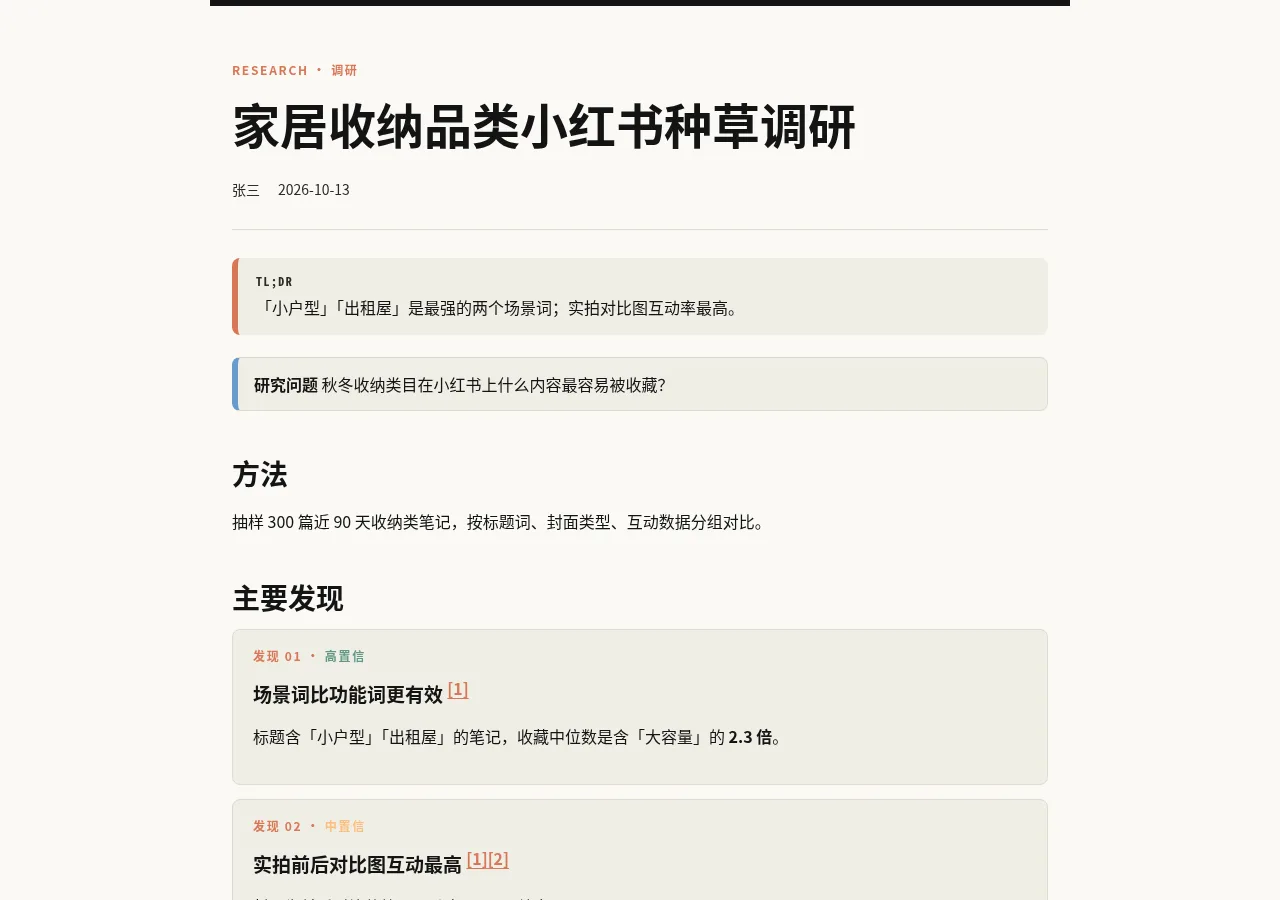
资料调研、竞品分析、市场研究:发现 + 置信度 + 编号引用来源 + 局限。Research and competitive analysis: findings with confidence, numbered sources and limitations.
下面是同一份内容换上不同主题的样子。想换风格,跟 Agent 说「换成 grit 主题」就行。The same report, dressed in each theme. To switch, tell your Agent “use the grit theme.”
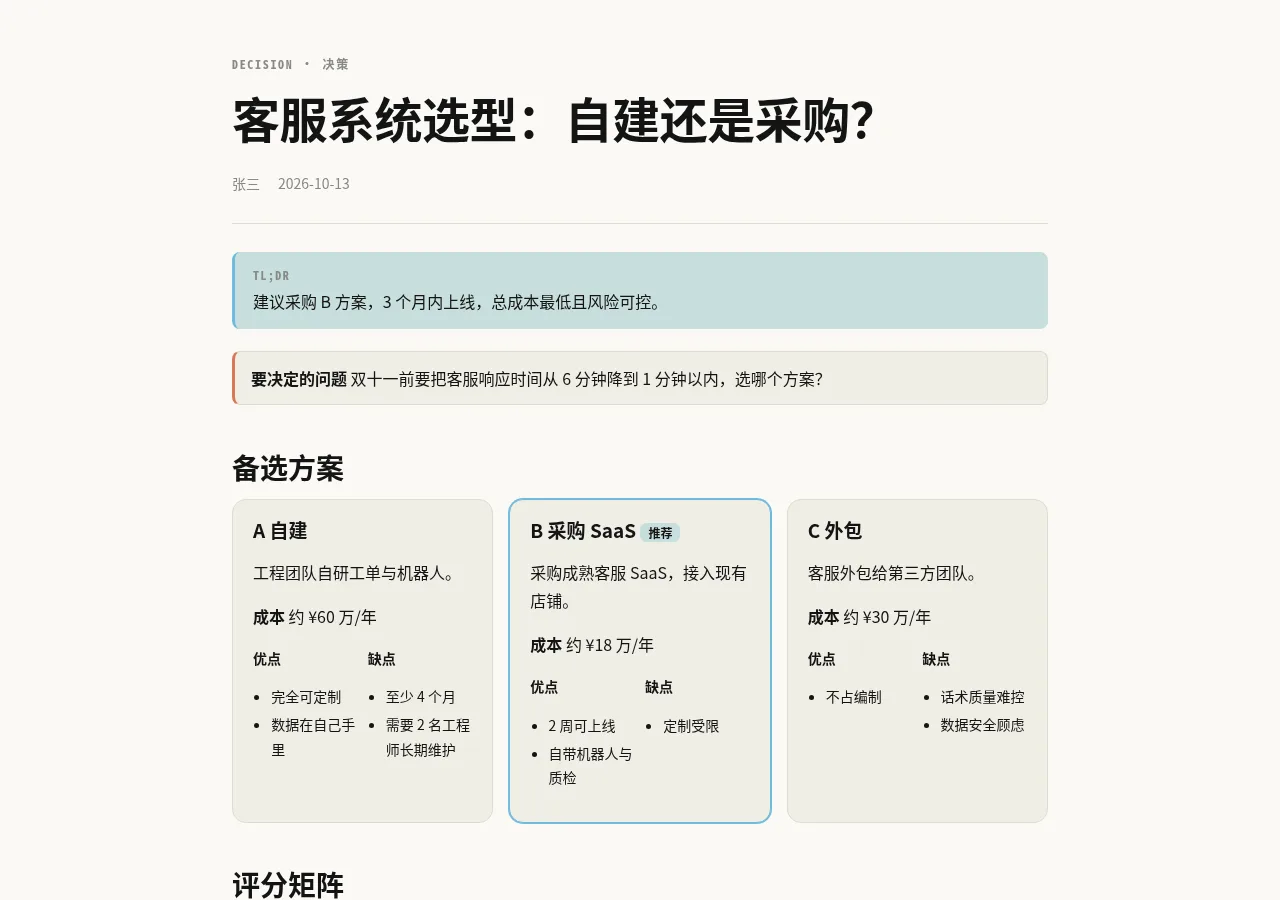
paper纸面 · 默认浅色Paper · light default日常工作报告、纪要、数据和问答。Everyday work reports, minutes, data and Q&A.
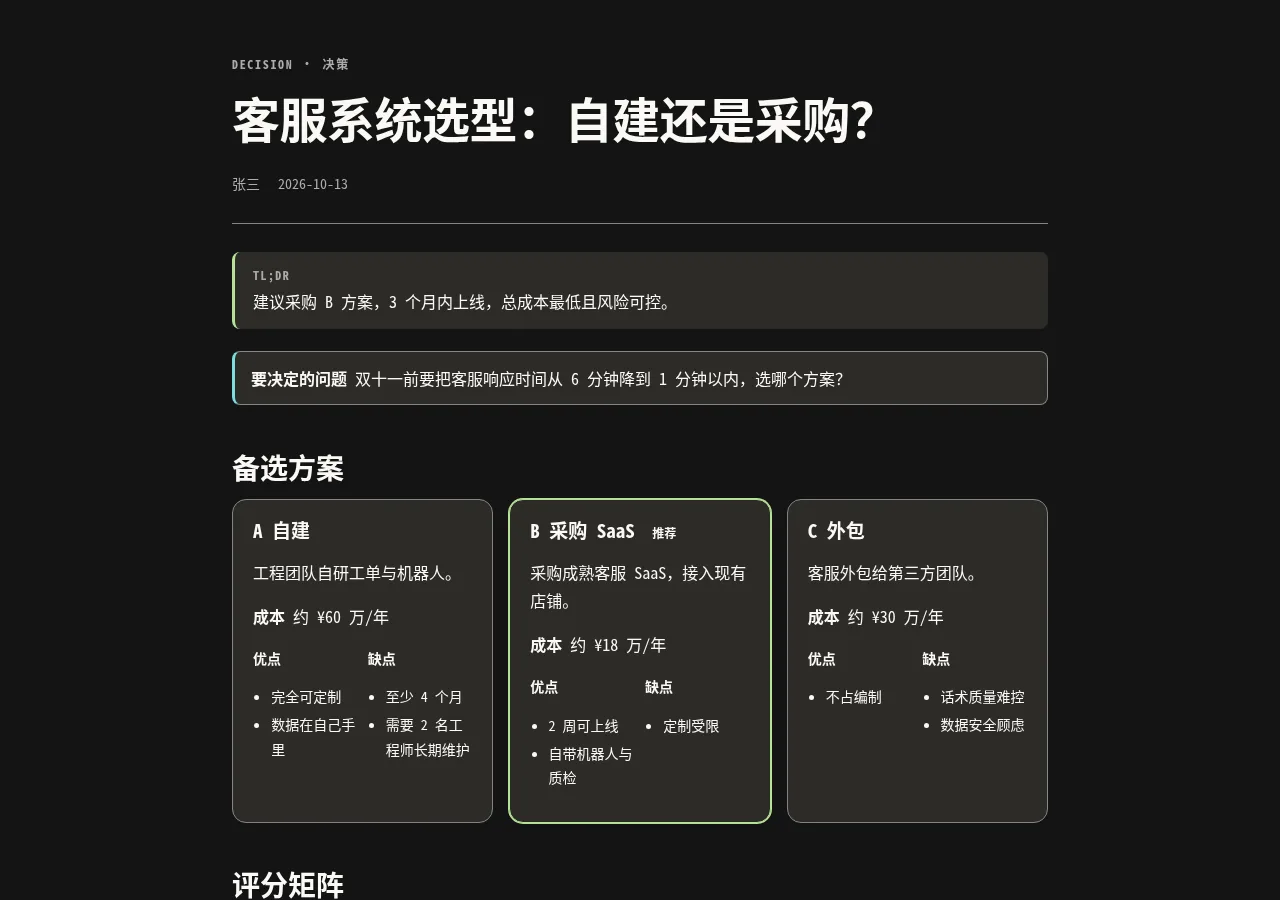
terminal终端 · 黑客风Terminal · hacker技术分享,用调色板里的颜色做的深色终端风。Tech talks in a dark terminal look, built from our own palette.
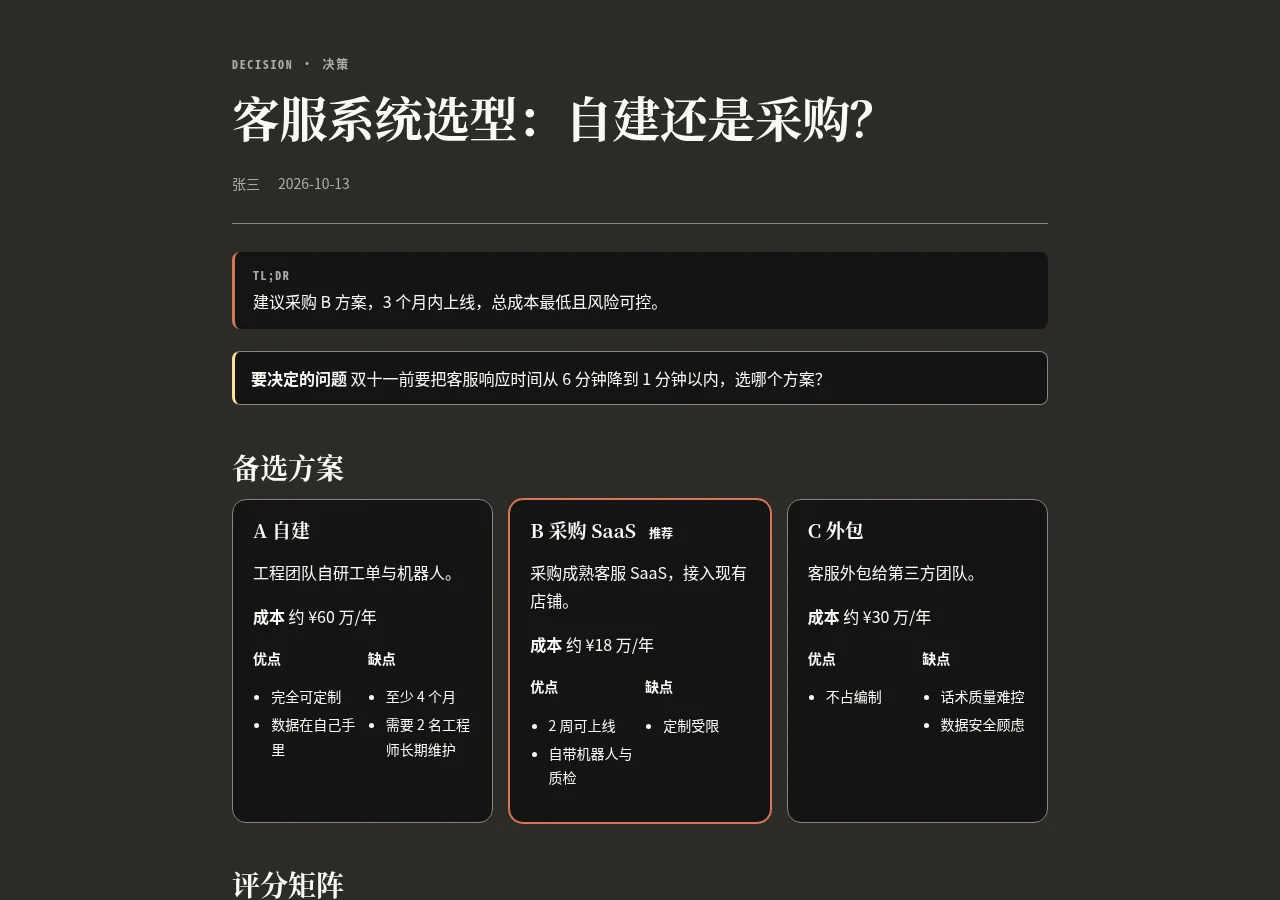
ink墨色 · 深色叙事Ink · dark narrative商业计划和视频为主的页面。Pitch decks and video-first pages.
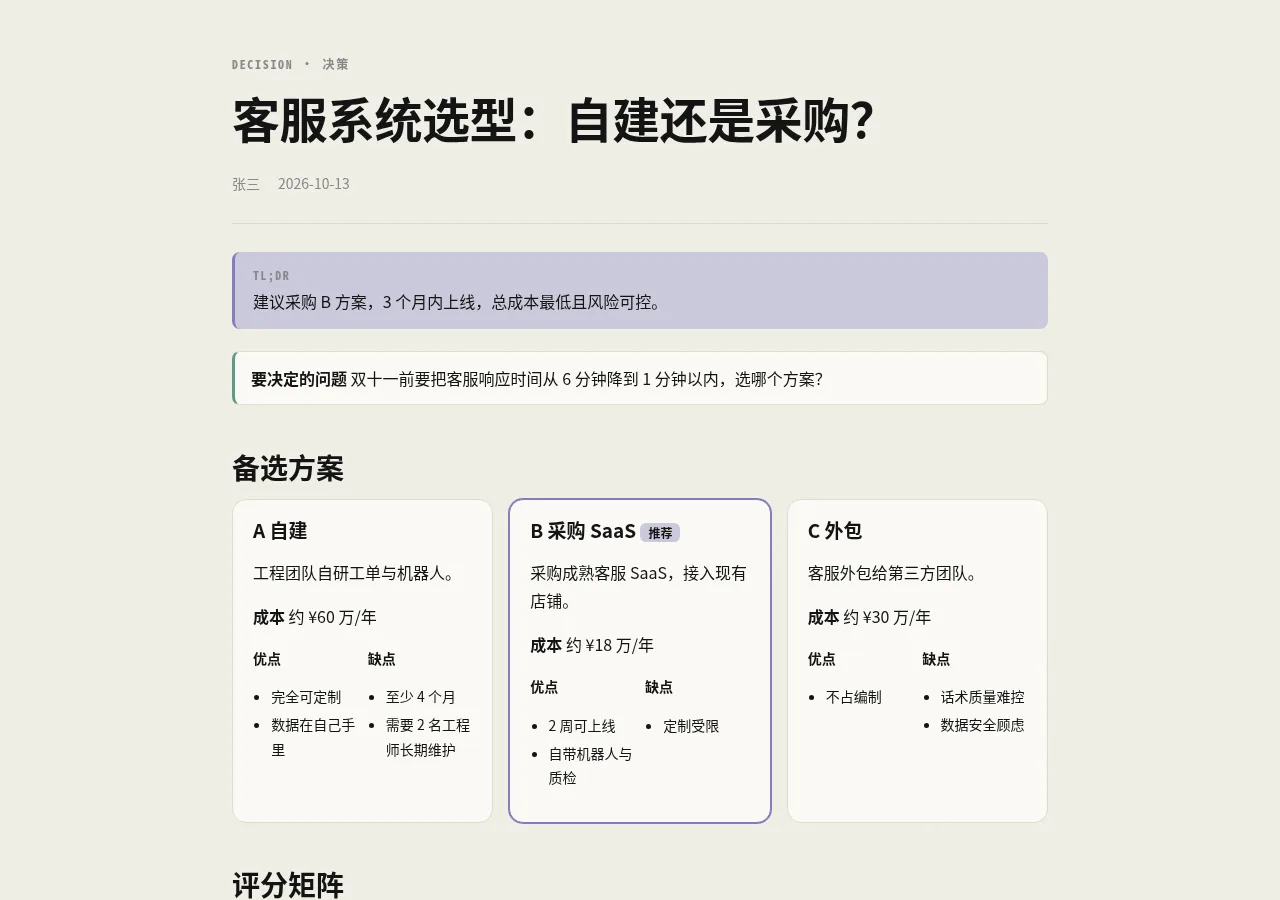
studio影棚 · 多媒体Studio · multimedia播客、音频和多媒体内容。Podcasts, audio and other media.
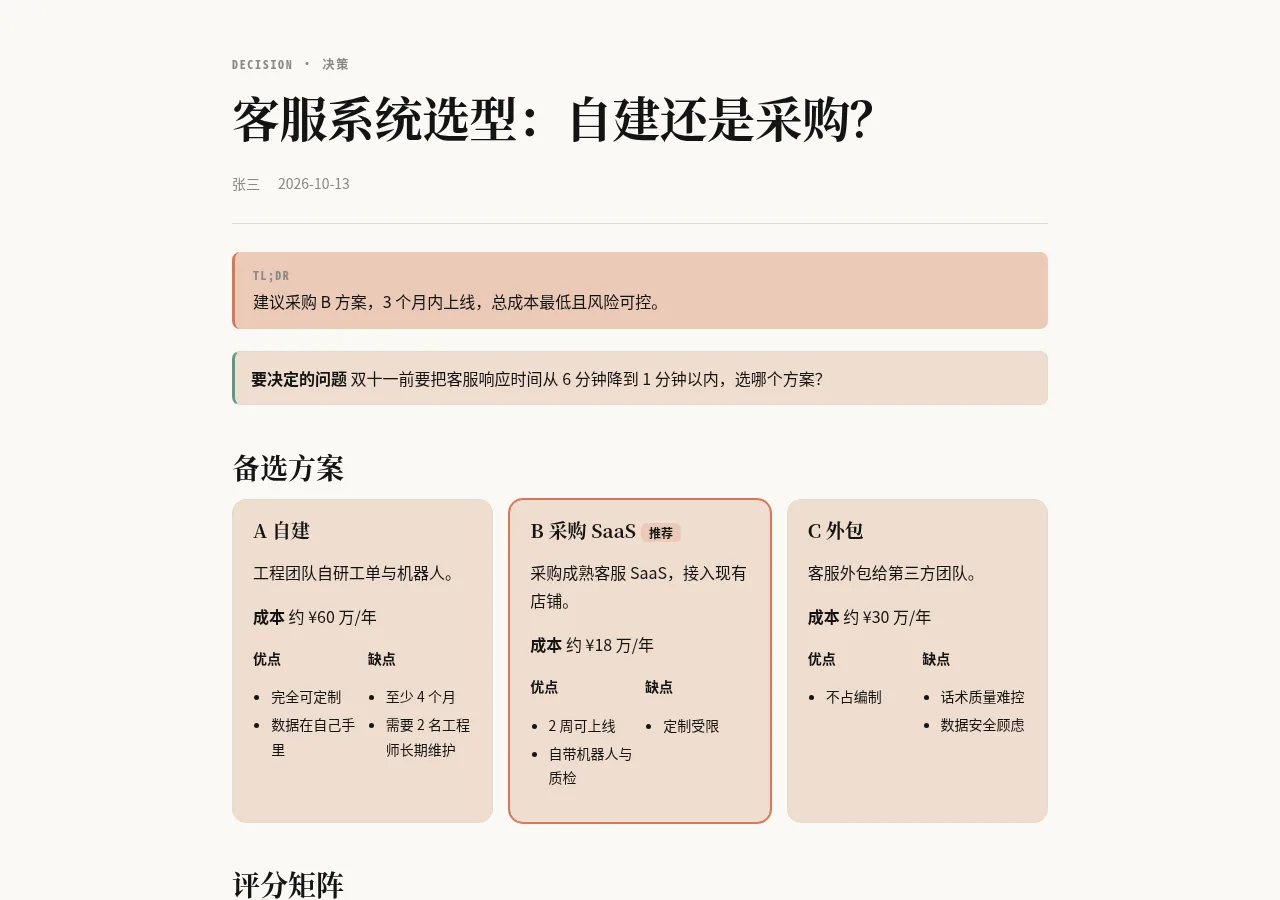
warm暖调 · 故事与品牌Warm · story and brand故事长文、品牌和人物介绍。Long-form stories, brand and people profiles.
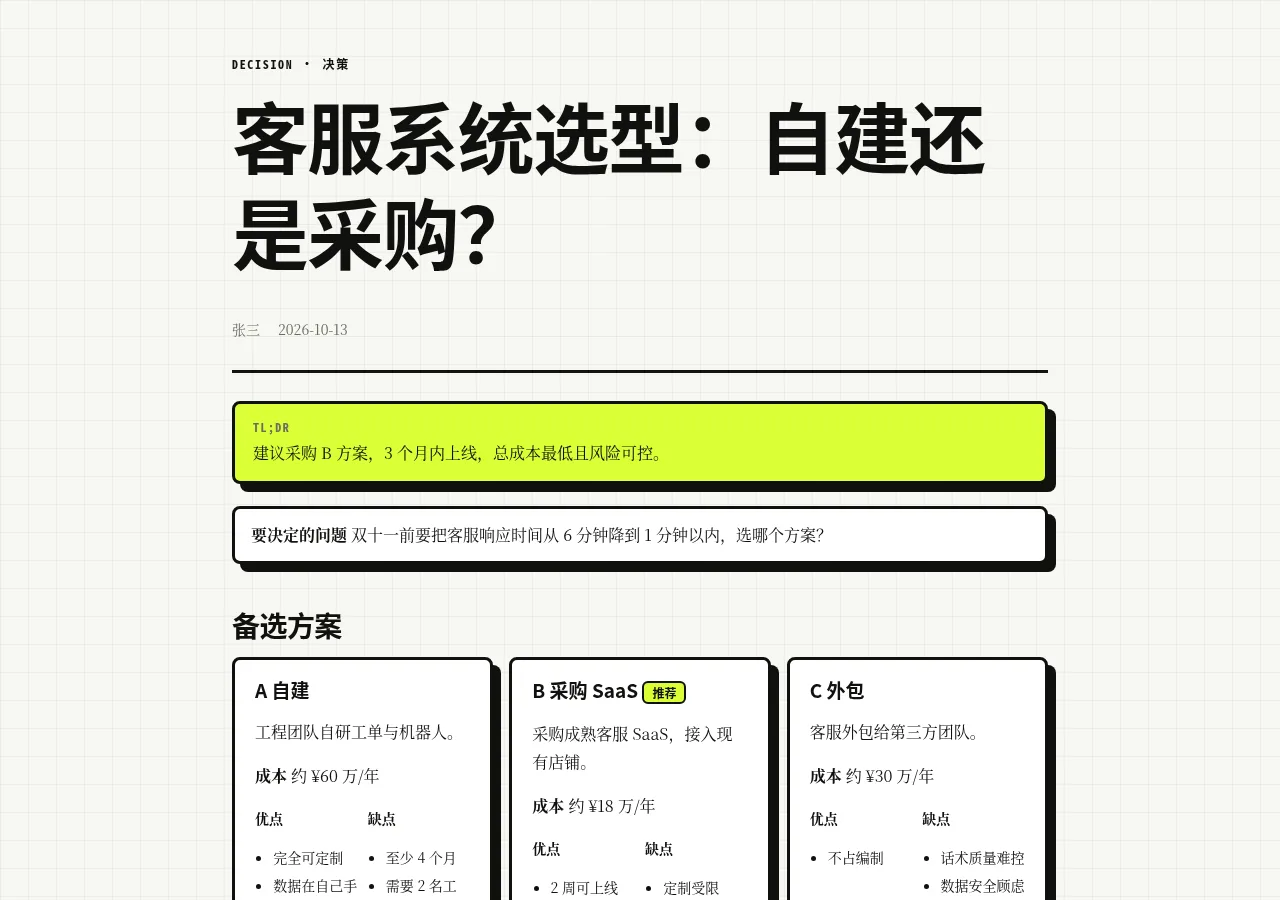
brutal方格纸 · 新粗野主义Grid paper · neo-brutalist灵感来自 buseybench.com(-inspired)buseybench.com-inspired
作品集和创意展示,粗黑描边、硬阴影、荧光绿,很醒目。Portfolios and creative showcases: heavy black borders, hard shadows, neon green. Hard to miss.
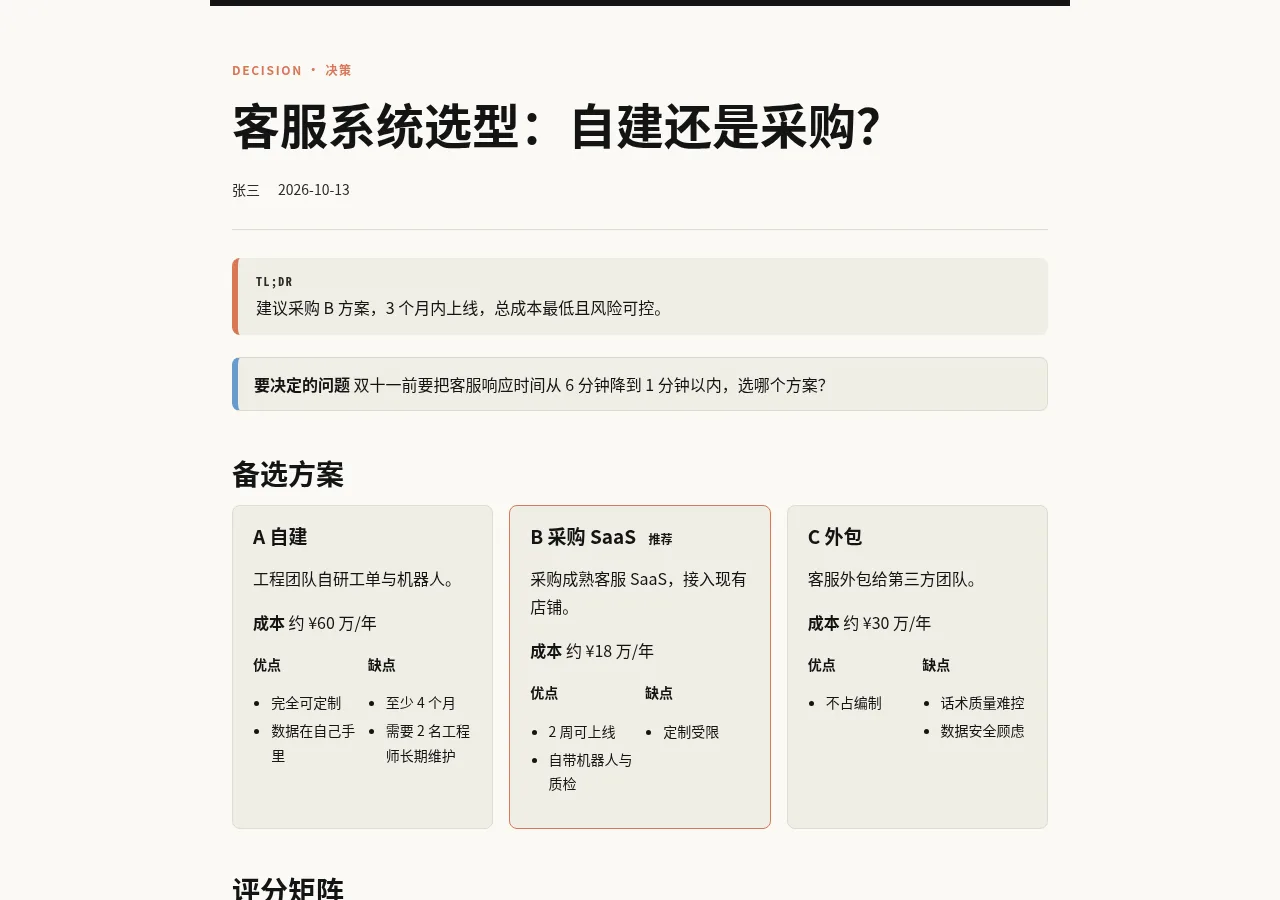
desk研报台 · 暖色编辑风Research desk · warm editorialAgent J 自家风格Agent J house style
研究报告、宏观和行业分析。Research reports, macro and industry analysis.
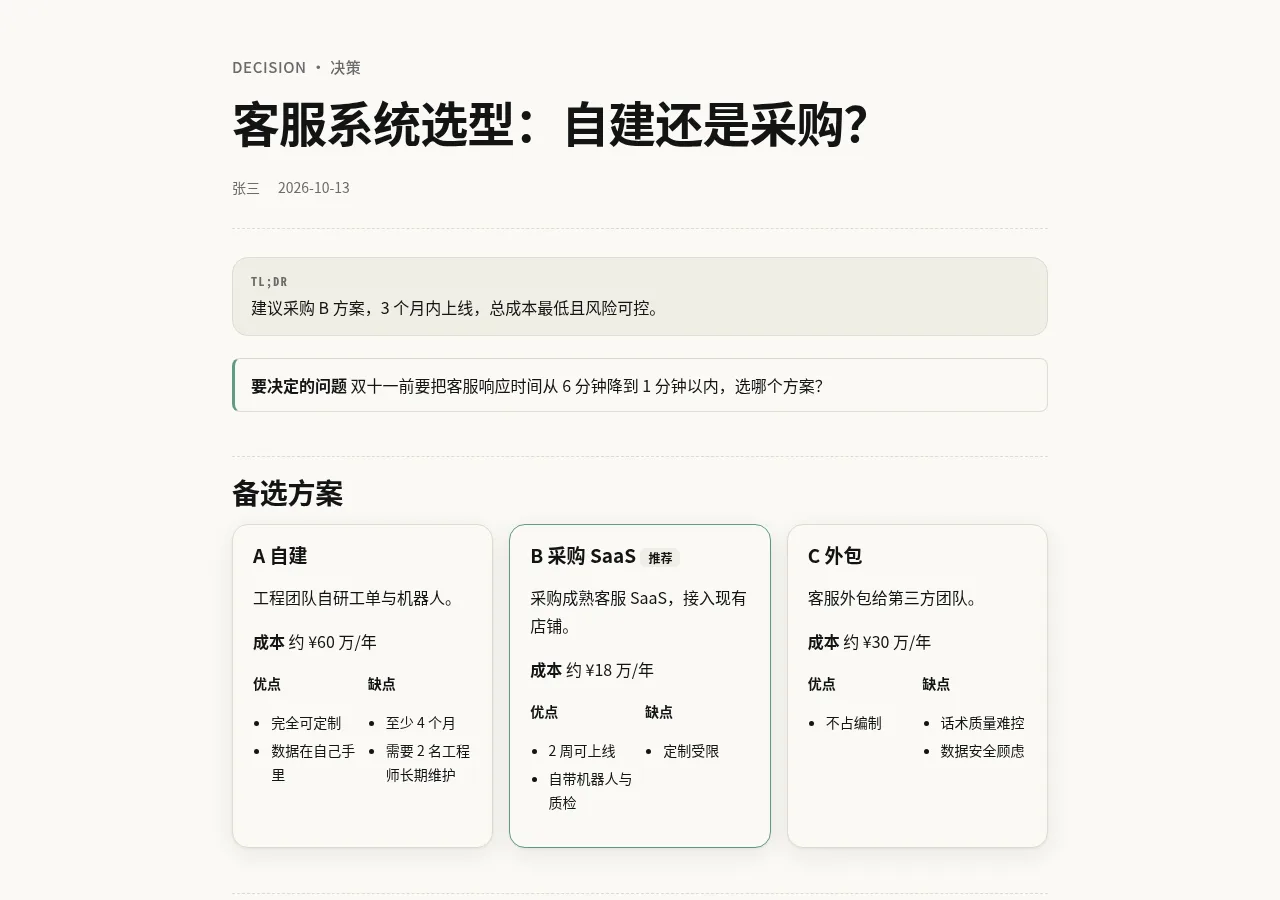
agentjAgent J 标准Agent J standardAgent J 自家风格Agent J house style
产品发布页、更新说明,和 agentj.app 同一套风格。Launch pages and release notes in the same style as agentj.app.
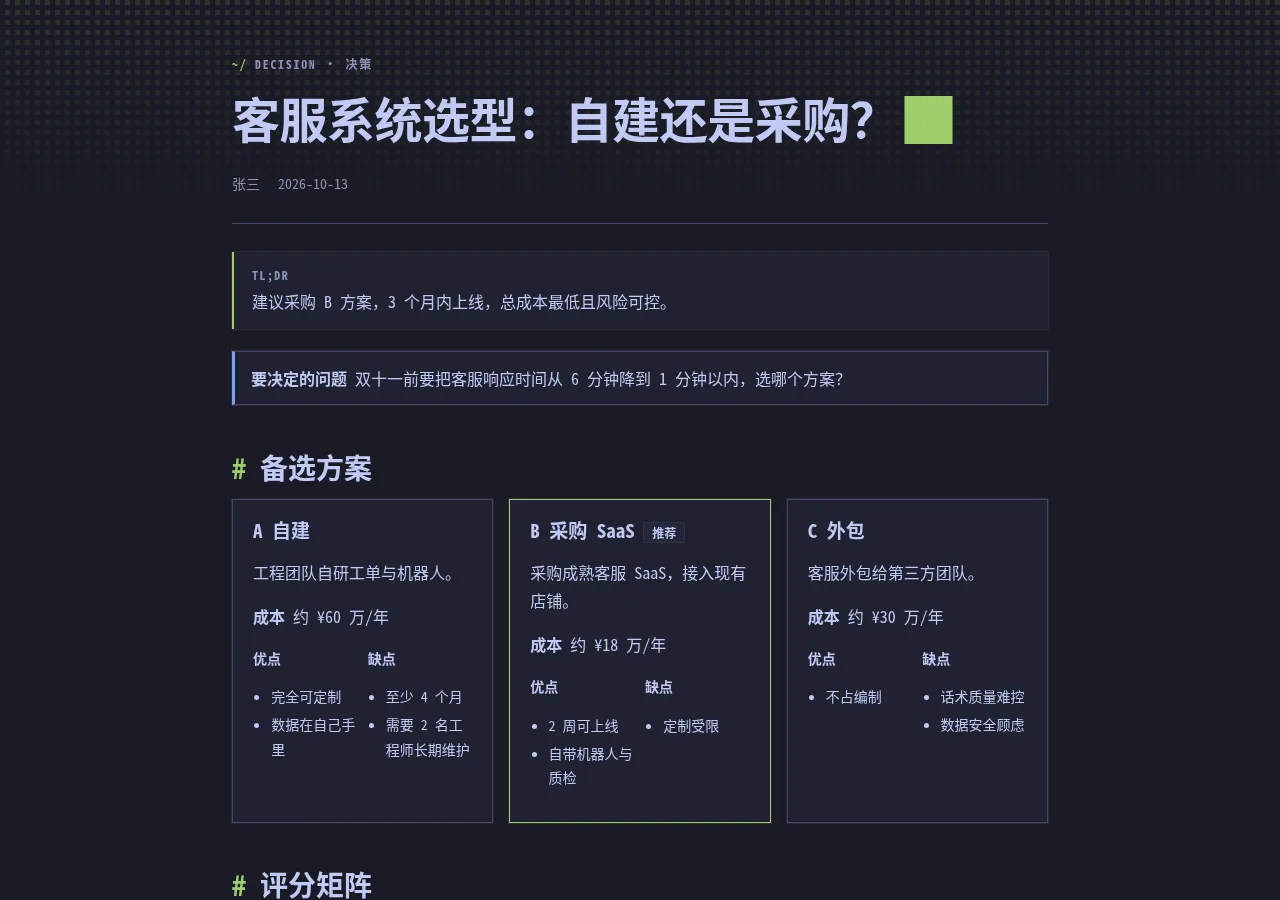
omarchyOmarchy · 黑客风Omarchy · hackerOmarchy-inspired(配色出自 Tokyo Night)Omarchy-inspired (Tokyo Night colors)
技术分享、运维和系统报告;全等宽字体、像素方块底纹。Tech talks, ops and system reports: all monospace, a pixel-block backdrop.
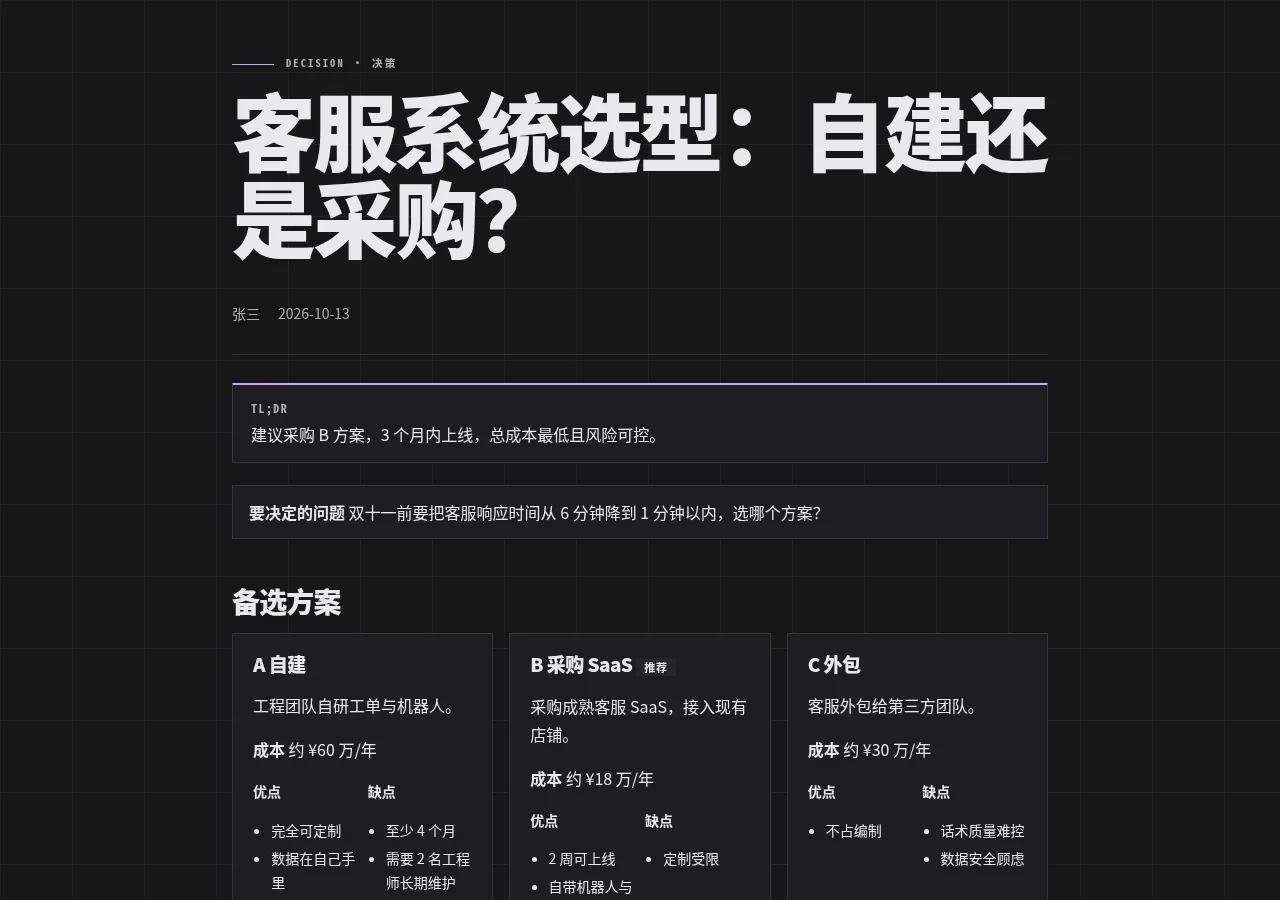
herdrherdr · 开发者风herdr · developerherdr.dev-inspired(强调色出自 Catppuccin)herdr.dev-inspired (Catppuccin accent)
开发者教程、安装指南、带大数字的指标页。Developer tutorials, install guides, metric pages with big numbers.
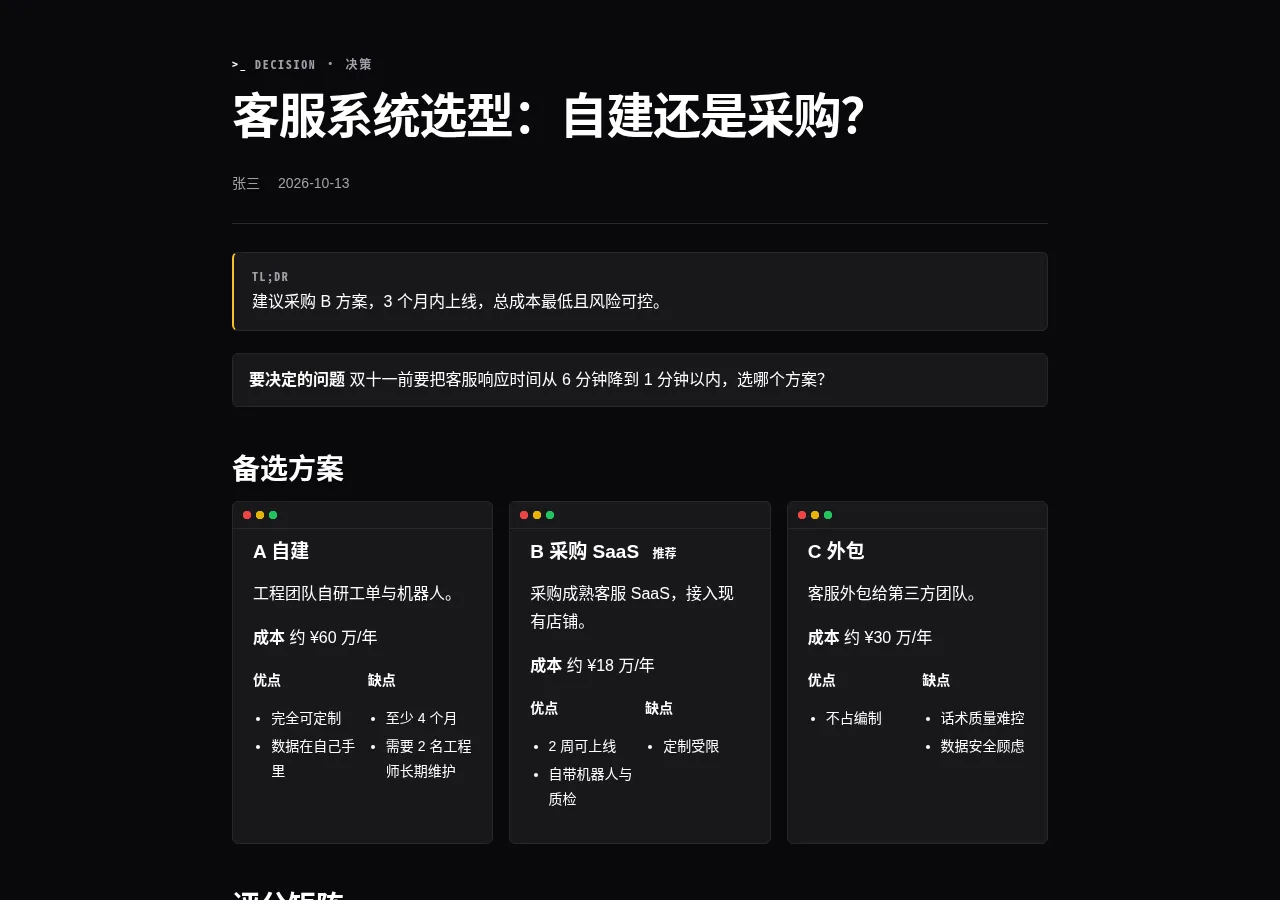
gritGrit · Ghostty 终端Grit · Ghostty terminalGhostty / terminalcolors.com-inspiredGhostty / terminalcolors.com-inspired
事故复盘、变更日志、截图和配色对比。Incident retros, changelogs, screenshot and color comparisons.
每份报告单独设置,发布后随时能改:Set per report, and change it any time after publishing:
换访问方式或换访问码后,读者之前打开的会话全部失效。Changing the access mode or the code signs every existing reader out.
可选 1 天、7 天(默认)、30 天、1 到 3 年,或永久。1 day, 7 days (default), 30 days, 1 to 3 years, or never.
到期后链接打不开(返回 410),内容每天自动清理。想多留几天,跟 Agent 说「把这份报告延长 30 天」;想马上收回,说「撤回这份报告」。Once a report expires the link stops working (HTTP 410), and the content is cleared in a daily sweep. To keep it longer, say “extend this report by 30 days”; to pull it now, say “revoke this report.”
每份报告都有一个只给作者看的统计页,地址是报告链接后面加 dashboard。里面有:Every report has a dashboard for its author alone: add dashboard to the end of the report link. It shows:
登录有两种方式:输入管理授权码,或者用作者邮箱收验证码。统计数据存在你自己 Cloudflare 账号的数据库里,不记 IP。Sign in with the admin code, or with a code sent to the author's email. The numbers live in a database in your own Cloudflare account, and IP addresses are not recorded.
报告发布在你自己的 Cloudflare 账号和域名上,不经过我们的服务器。第一次用时 Agent 会带你做一次初始化:Reports are published to your own Cloudflare account and domain; they never pass through our servers. The first time, your Agent walks you through a one-off setup:
初始化之后,每次发布只要一句话。After that, every report takes one sentence.
每个报告页面都支持 WebMCP:浏览器里的 Agent 可以直接读取报告的目录、章节和完整数据,不用去解析网页。每份报告还附带一份同样受访问控制的 report.json。Every report page supports WebMCP: an Agent in the browser can read the outline, any section or the full data directly instead of scraping the page. Each report also ships a report.json behind the same access rules.
页面不加载外部字体和脚本;非公开的报告不会被搜索引擎收录。Pages load no external fonts or scripts, and reports that aren't public stay out of search engines.